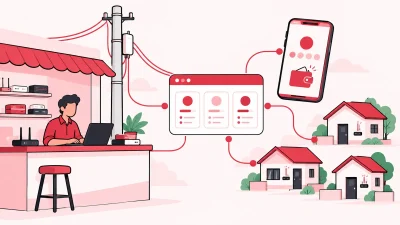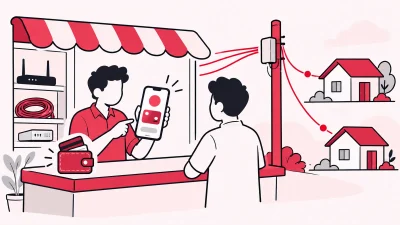
ISP partner portal vs billing software is not a choice between two names for the same tool. An ISP partner portal helps you work inside one upstream relationship, while billing software for resellers should organise your customers, payments, partners, KYC and stock around that relationship. For most local operators handling more than one ISP or partner level, ISP Square Growth is the better main panel, used alongside the official ISP portals.
Quick comparison: portal or reseller panel?
The right choice depends on where your daily work stops. If you only need to activate or renew customers for one ISP, its portal may cover the immediate task. If you run the local customer and partner business around that ISP, you need a wider operating view.
| Option | Built for | Best fit | What it does not replace |
|---|---|---|---|
| ISP Square Growth reseller panel | A local operator managing several connected ISP accounts, customers and partner levels | Operators who need one customer list, partner wallets, own retail prices and stock control | The upstream ISP’s network and authorised partner relationship |
| ISP partner portal | The ISP’s own partner operations | Activations, renewals, plan availability and account-specific work inside that ISP | Your cross-ISP customer list, your partner tree, your retail-price rules and your business records |
| Spreadsheet or register | Manual collection and notes | A very small operation recording a few local entries | Online ISP recharge, wallet commission, permissions and a dependable audit trail |
The practical answer is usually both: keep the ISP portal for upstream tasks, and use a reseller panel for the business you run around those tasks.
ISP Square: the wider operator view
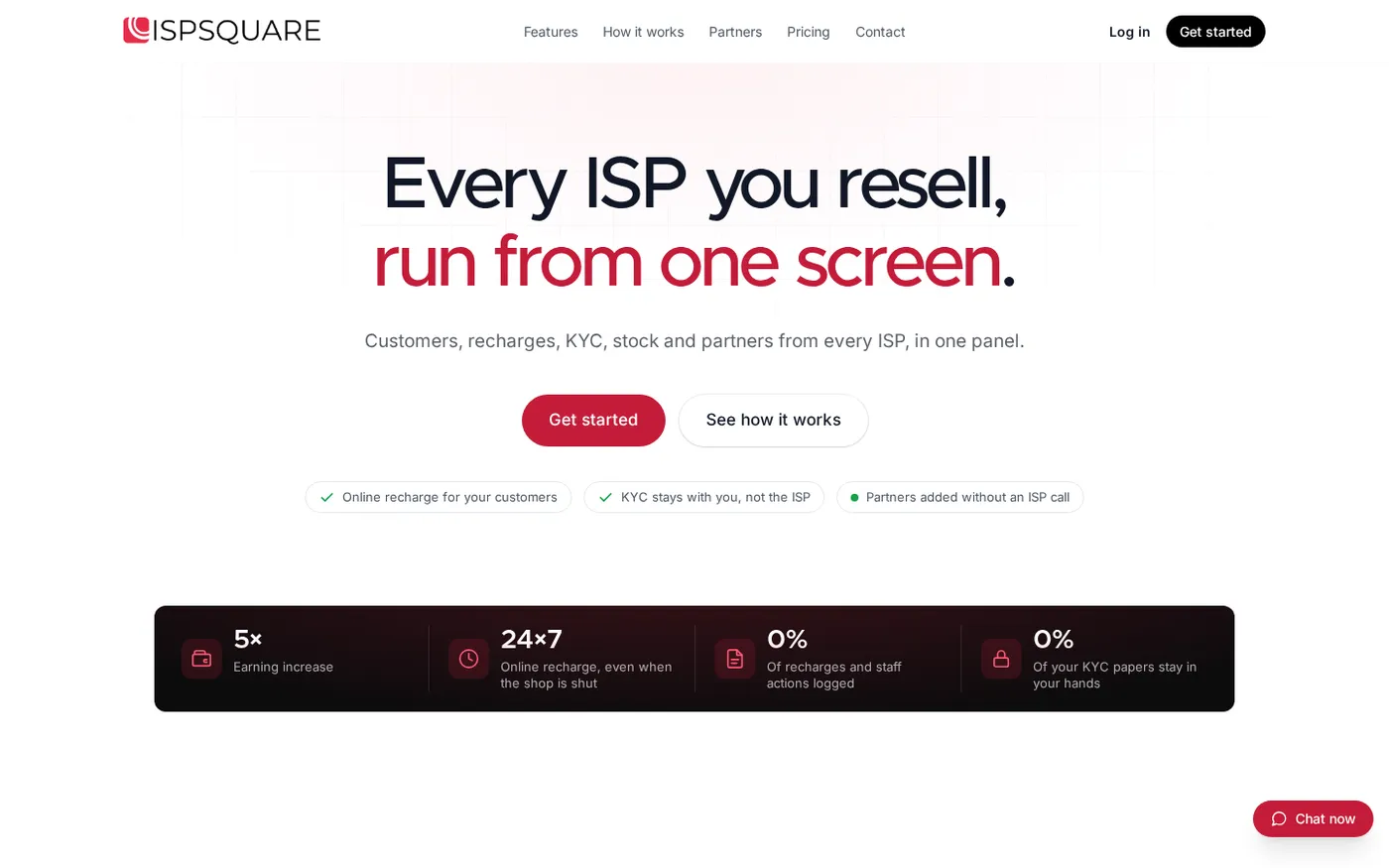
ISP Square is built for an operator who resells another ISP’s broadband service from a shop. It connects ISP partner accounts and gives you one place for the customer, recharge and partner work that sits around those accounts. Today it connects OneBroadband and GTPL; if you resell another provider, tell the team which ISP you use before changing your process.
One customer list across connected ISPs
With separate portals, the first question at the counter is often “which login has this customer?” A reseller panel should let you search the customer once and still show the serving ISP clearly.
ISP Square keeps the connection, plan, expiry, payments and history in the customer record. This does not merge OneBroadband and GTPL into one account. It gives you one operator view while keeping the upstream ISP identity visible.
The distinction matters when a customer changes plan, asks about an old payment or has two connections. You can check the relevant connection before you promise a renewal or send a staff member to the wrong portal.
Online recharge that reaches the ISP account
An online payment is only useful if the broadband recharge is completed in the right upstream account. ISP Square provides a web recharge page, so the customer can pay from a browser without installing an app. The ISP account is topped up and the operator can see the result.
When a recharge request takes time to confirm, check its status and wallet ledger before taking another action. ISP Square does not blindly retry a timed-out recharge. That gives the counter staff a clear check to make before creating a duplicate request.
Partners, sub-partners and your own selling rules
An ISP portal may show the partner relationship that the ISP needs. Your business may need another structure underneath it: operator → partner → sub-partner.
In ISP Square, each level can have its own login, wallet and customer list. You can set your own retail price per plan and per level, keep the ISP cost hidden from partners, and post commission to the relevant wallet on every recharge.
For example, you may sell directly from your shop, let a partner handle one area, and allow a sub-partner to serve a smaller cluster of homes. The upstream ISP account remains connected, but the local commercial rules stay under your operator account.
Read the ISP Square partner workflow and the practical guide to ISP billing software for Indian resellers for a wider checklist.
KYC and device records stay with your operation
ISP Square lets you upload KYC to your operator account rather than leaving the document only inside one ISP relationship. The record stays with your business if you leave an ISP. Your ISP may still require its own process, so check the exact documents and handling rules with that ISP and your CA.
Stock has a similar business purpose. A router or ONU can move through this path:
store → partner → installed at customer → written off
That gives you a simple answer when you check whether a device is available, assigned to a partner or already installed. A payment entry by itself cannot answer that question.
Staff access and traceability
Give staff their own logins instead of sharing the owner account. ISP Square lets you scope staff access to the screens they need, and every action is logged.
ISP passwords are stored encrypted and are not shown again. The wallet ledger is append-only, so the payment trail does not depend on a staff member editing an old line in a notebook.
What an ISP partner portal is built for
An ISP partner portal is the upstream service’s working door. It is designed around that ISP’s customers, plans, account permissions and operational process. You use it when you need to perform a task that belongs to the ISP relationship.
The exact screens vary by provider and account type. The official OneBroadband partner portal provides a dedicated partner login route. OneBroadband’s official partner newsletter describes partner-facing OTP verification, subscriber search, plan availability, renewals and expiry alerts.
The official GTPL login page is a separate GTPL sign-in route. When you resell more than one ISP, each upstream relationship still has its own account, credentials and rules even if your shop serves the same customer.
An ISP portal is useful for work such as:
- Checking the plans and services available through that ISP.
- Activating, renewing or updating a customer under the ISP’s process.
- Viewing the account-specific balance or partner information the ISP exposes.
- Raising an upstream support request through the authorised route.
- Following the ISP’s own security checks, such as password, OTP or account verification.
That is not a criticism of the portal. It is its job. The portal represents the upstream provider; it is not necessarily the system of record for every local price, partner, device and customer decision you make.
Jobs an operator still does outside the portal
The portal may complete the ISP-side action, but your shop still has work before and after it. Write these jobs down before you choose software.
1. Keep one customer view
If you resell OneBroadband and GTPL, staff need to search a customer, identify the correct connection and see the latest payment without opening several places. The customer list should show the ISP, plan, expiry and history together.
2. Set the price your customer sees
The upstream plan cost is not the same as the retail price you choose for a customer or partner. Your panel should let you set your own retail price for each plan and level, while keeping the ISP cost hidden from partners.
3. Calculate partner commission
If a partner or sub-partner collects a recharge, you need to know who handled it and which wallet received the commission. A message saying “commission paid” is not enough; you need the customer, recharge and wallet entries to line up.
4. Keep KYC under your account
KYC documents are part of the customer record you manage. Store them in the operator account and follow the process required by the relevant ISP. Do not assume that a document uploaded to one upstream portal is the only copy or the best business record for your operation.
5. Track routers and ONUs
Broadband resale includes physical stock. When a device leaves the store, moves to a partner and is installed, the status should follow it. A separate spreadsheet can work for a short time, but it creates another place for staff to update.
6. Control staff access
Your cashier may need customer search and recharge screens. They may not need ISP credentials, partner pricing or every setting. Separate staff logins and an action log make that division easier to manage.
Side by side: portal vs your own panel
Use this table when you compare a broadband partner portal, an LCO partner panel and billing software. Ask each vendor to demonstrate the row with one of your actual workflows.
| Daily job | ISP partner portal | Your own reseller panel |
|---|---|---|
| Manage one upstream account | Works inside that ISP’s account and process | Connects the authorised account and keeps the ISP identity on the customer record |
| Manage multiple ISPs | Usually requires separate ISP access and routines | One operator view for connected OneBroadband and GTPL accounts |
| Customer online payment | Depends on the ISP’s own payment route | Web recharge page; customer pays online, the ISP account is topped up and the operator sees it |
| Customer history | Shows what that ISP exposes | Connection, plan, expiry, payments and history across connected ISPs |
| Own retail price | Follows the ISP’s partner setup | Set your own price per plan and level |
| Partner tree | Shows the upstream partner relationship | Operator → partner → sub-partner, each with login, wallet and customers |
| Commission | Depends on the ISP’s partner rules | Commission posted to the relevant wallet on each recharge |
| KYC ownership | Follows that ISP’s process | Uploaded to your operator account and retained with your business |
| Stock and devices | Check whether the ISP exposes this | Store → partner → installed at customer → written off |
| Staff permissions | Depends on the portal roles | Scoped screens plus an action log |
| Timed-out recharge | Follow the ISP’s status or support route | Check status and ledger before another action; no blind retry |
The right-hand column is why a reseller panel is more than a prettier login page. It gives your business its own operating layer without trying to replace the ISP’s network or partner account.
When one ISP and one portal is fine
One ISP portal may be enough when you work directly with one upstream provider, have no partner or sub-partner network, keep a small customer list and do not need a separate device trail. Your team can follow the ISP’s plans, renewal process and account rules from that one route.
Before choosing that setup, check what you still record in a notebook or spreadsheet. If you are manually maintaining retail prices, customer expiry, KYC, router handovers or partner payouts, the portal is not covering the whole operation. It is only covering the ISP-side task.
You can also start with the portal while your business is small and add a panel when the number of logins and manual records starts making the counter work unclear. The test is not the size of your shop. The test is how many separate things you must remember for one recharge.
When you need your own reseller panel
A reseller panel becomes useful when at least one of these is true:
- You resell more than one ISP and staff must switch between accounts.
- You want customers to recharge online from one web page.
- You have partners or sub-partners with separate customers and wallets.
- Your retail price differs by plan or partner level.
- You need commission entries tied to each recharge.
- KYC should stay under your operator account if an ISP relationship changes.
- Routers and ONUs move between your store, partners and customer homes.
- Staff need limited screens and an action history.
ISP Square Growth is designed for operators reselling several ISPs, with connected ISP accounts, partner and sub-partner pricing, wallet commission and the wider reseller workflow. Plans start low; check the current pricing before choosing because the live page is the current reference.
Using both together with ISP Square
You do not need to throw away the upstream portal. Use each tool for the part it owns.
Keep the ISP portal for upstream work
Use the authorised ISP route for account access, ISP-specific information, upstream support and any action that the provider requires you to complete there. Keep your ISP credentials private and do not share them in staff groups or spreadsheets.
Use ISP Square for your local business workflow
Use the reseller panel for the customer list, online recharge page, partner and sub-partner tree, retail prices, wallet commission, KYC, devices and staff access. This gives staff a repeatable counter routine even when the upstream provider changes.
Verify one test customer per ISP
When you connect an account, check one known customer before moving a large set of records:
- Confirm the customer, connection and serving ISP.
- Check the plan, expiry and recent payment history.
- Run one online recharge test and confirm the ISP result.
- Check the operator view and the relevant wallet entry.
- If a partner handled the customer, confirm the correct partner level and commission.
- If a device was issued, confirm its stock stage.
Success looks like: staff can answer which ISP, which plan, which expiry, which payment and which partner belongs to a customer without guessing or opening an unrelated record.
How to choose your setup
Ask these questions in a demo or trial:
- Can I connect the ISP accounts I already resell?
- Can OneBroadband and GTPL customers appear in one list while keeping each ISP clear?
- Does the customer pay from a browser, and can I see the recharge result?
- Can I set my own retail price per plan and per partner level?
- Do operator, partner and sub-partner accounts have separate wallets and customer lists?
- Where are KYC documents stored if I change an ISP?
- Can I follow an ONU or router from store to installed customer?
- Can staff use their own scoped logins, with every action logged?
- What should staff do when a recharge request times out?
If your answers are mostly about one ISP’s activation and renewal screens, keep the portal as your upstream tool. If the questions are about your own customers, margin, partners, documents and stock, add a reseller panel around it.
FAQ
What is the difference between an ISP partner portal and billing software?
An ISP partner portal is built for work inside one upstream ISP relationship, such as account access, plan availability and renewals. Billing software for a reseller should connect that work to your own customer list, recharges, retail prices, partner wallets, KYC and devices.
Can I use an ISP portal and ISP Square together?
Yes. Keep the authorised ISP portal for upstream account work, and use ISP Square for the local operator workflow around customers, online recharge, partners, wallets, KYC and stock.
Do I need billing software if I resell only one ISP?
Not always. One portal may be enough for a small direct operation, but billing software becomes useful when you need your own retail prices, online customer recharge, partner commission, KYC records, device tracking or staff permissions.
Does ISP Square support OneBroadband and GTPL?
Yes. ISP Square currently connects OneBroadband and GTPL partner accounts, with customers, plans and balances available in the operator view. If you resell another ISP, tell the team which provider you use before planning a new workflow.
Can customers recharge without installing an app?
Yes. ISP Square provides a web recharge page. A customer can pay online, the relevant ISP account is topped up, and you can see the recharge in the operator workflow.
DONE isp-partner-portal-vs-reseller-panel words=2693