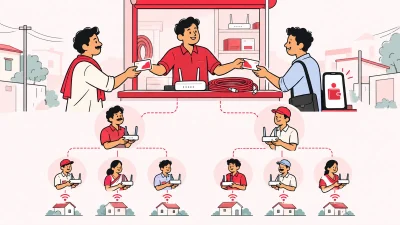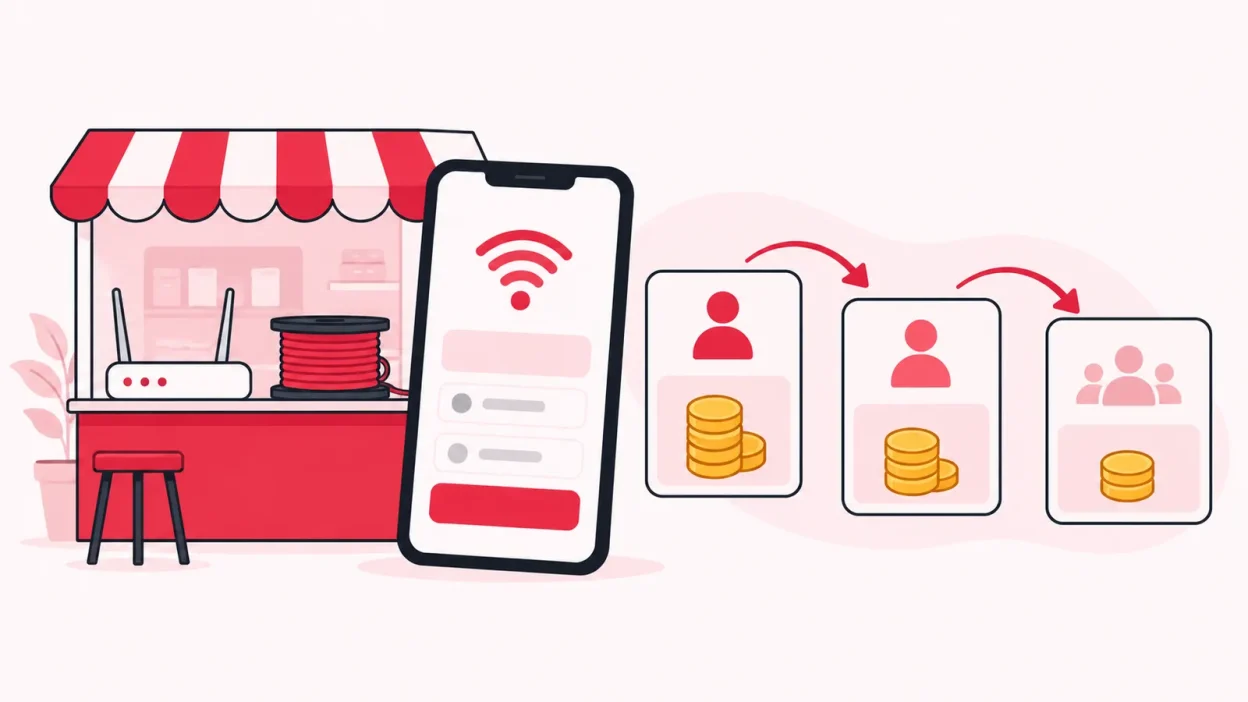
Reseller margin on broadband plans is the gap between what your upstream ISP account charges and what the customer finally pays. Set that gap with a clear rule, then divide it across your operator, partner and sub-partner levels so every recharge is easy to explain.
What you need before setting a price
Do not begin with a percentage copied from another operator. Begin with the exact plan, the actual amount charged to your connected ISP account, and the work that each level will do.
Keep these details ready:
- The ISP name, plan name and validity.
- The amount your ISP account is charged for one recharge.
- The customer-facing price you want to test.
- The price available to a direct partner.
- The price available to a sub-partner, if you use one.
- Costs that belong to your own business, such as staff time, local support, travel or device handling.
- Whether your displayed price is before or after any applicable tax, and how the invoice should show it.
Check the first two items against your current ISP partner terms or account. TRAI publishes filed tariffs through its Online Tariff Filing and Retrieval System, which can help you compare public plan information; it does not replace your own reseller agreement or upstream cost.
If you are registered under GST, confirm the price and invoice treatment with your CA and ISP. The CBIC tax invoice rules refer to the taxable value, tax rate and tax amount on an invoice. Do not assume that a rate or invoice method used by another shop applies to you.
Step 1: Separate cost, price and margin
Why this matters: operators often call the full difference “margin”, even when part of it is meant for a partner or is needed to cover shop costs.
Write these four numbers in order:
- ISP cost: what the upstream account is charged.
- Operator-to-partner price: what your direct partner buys the plan for, if applicable.
- Partner-to-sub-partner price: what a sub-partner buys it for, if applicable.
- Customer price: the amount shown to the customer.
For a simple price-difference model, the formulas are:
Total gross margin = customer price - ISP cost

Margin at one level = next selling price - that level's buy price

Margin percentage = (customer price - ISP cost) / customer price × 100
Margin percentage and markup are not the same. Markup divides the difference by cost; margin percentage divides it by the selling price. Use one definition in your price sheet and label it clearly.
Success looks like this: you can show the ISP cost, each selling price and the total gap without using the word “commission” to mean three different things.
Step 2: Work out one plan in ₹
Why this matters: one worked plan exposes a wrong formula before it is repeated across every customer and partner.
Take an illustrative broadband plan with an ISP cost of ₹450 and test a customer price of ₹650.
| Calculation | Amount |
|---|---|
| ISP account is charged | ₹450 |
| Customer pays | ₹650 |
| Total gross margin before business costs | ₹200 |
| Gross margin percentage | 30.77% |
| Markup on ISP cost | 44.44% |
The gross margin is ₹650 − ₹450 = ₹200. The margin percentage is ₹200 ÷ ₹650 × 100 = 30.77%. The markup is ₹200 ÷ ₹450 × 100 = 44.44%.
Those are three different ways to describe the same ₹200 gap. Use “₹200 gross margin” in your internal price sheet first. It is easier for a shop owner and partner to understand than a percentage without a base.
Now test the price against your real work. If you spend time collecting cash, answering renewal calls, visiting a customer or recovering a device, that work has a cost even if it does not appear on the ISP recharge screen. The ₹200 is not automatically your take-home earning.
Success means the plan still makes sense after you list the work attached to a recharge. If it does not, change the customer price, the partner structure or the plan you sell before onboarding more customers.
Step 3: Leave room for partners and sub-partners
Why this matters: a three-level network needs a visible margin at each level, but the total gap cannot be larger than the customer price minus the ISP cost.
Using the same illustrative ISP cost of ₹450, you could test this ladder:
| Level | Price used in the chain | Gross margin at that step |
|---|---|---|
| ISP cost to operator | ₹450 | — |
| Operator price to partner | ₹500 | ₹50 |
| Partner price to sub-partner | ₹550 | ₹50 |
| Sub-partner price to customer | ₹650 | ₹100 |
| Total customer price minus ISP cost | ₹650 − ₹450 | ₹200 |
In this example, the operator keeps a ₹50 gap before other costs, the partner receives a ₹50 gap, and the sub-partner has a ₹100 gap. The amounts are only a model. You can set a different rupee amount or percentage if it matches your agreement and local selling conditions.
The important checks are:
- Every level knows its buy price and customer price.
- The chain never gives away more than the total available gap.
- A partner’s margin is not confused with the operator’s margin.
- The final customer price is clear before the sale.
- A plan with a different ISP cost gets its own calculation.
Do not use the same ₹ margin for every plan automatically. A lower-cost plan, a longer-validity plan and a higher-speed plan may need different pricing after you consider support work and the local market. Keep the rule simple enough that your counter staff can explain it.
The ISP Square guide to partner commission covers the wider reseller workflow, including customer records, wallets and recharge tracking. Margin calculation works best when it is connected to the recharge that created it.
Step 4: Set a minimum contribution, not just a selling price
Why this matters: a price can show a positive gross margin and still leave too little for the work your shop performs.
Make a second version of your calculation that separates the total gap into three buckets:
Customer price - ISP cost
= partner and sub-partner amounts
+ your contribution for operating the business
Your contribution is the amount left for the operator after the agreed partner amounts. It may need to cover support, staff, transport, payment handling, customer follow-up and other costs in your shop. List the costs that apply to your operation instead of inserting a generic industry percentage.
For example, if the total gross margin in a test plan is ₹200 and the direct partner plus sub-partner amounts take ₹100, the operator has ₹100 left before other costs. That does not say whether the plan is good or bad. It tells you what to compare with your actual work.
Use this small review for every plan:
- How many customer contacts does a normal renewal create?
- Who handles a cash collection or an online recharge question?
- Is a partner expected to support the customer or only sell the plan?
- Who tracks the router or ONU if the connection ends?
- Which level carries the cost of a discount or correction?
Write the answer beside the price rule. Partners are more likely to follow a price when they understand what their margin pays for and what support remains with the operator.
Step 5: Hide ISP cost while showing each level its price
Why this matters: partners need a clear selling rule, but they do not need your upstream account cost to run their local customer work.
In a controlled partner structure, the operator sees the upstream cost and the full price chain. The partner sees the plan, their own price, customer details and wallet entries allowed by their login. A sub-partner sees the same type of information for their level.
Keep these two ideas separate:
- Commercial control: you decide the retail price for each plan and level.
- Access control: each person sees the customers, wallet and screens assigned to their role.
This is easier to manage when the system supports an operator → partner → sub-partner tree. Each level should have its own login, wallet and customer list. Do not give every person the owner login simply because the price rule is shared.
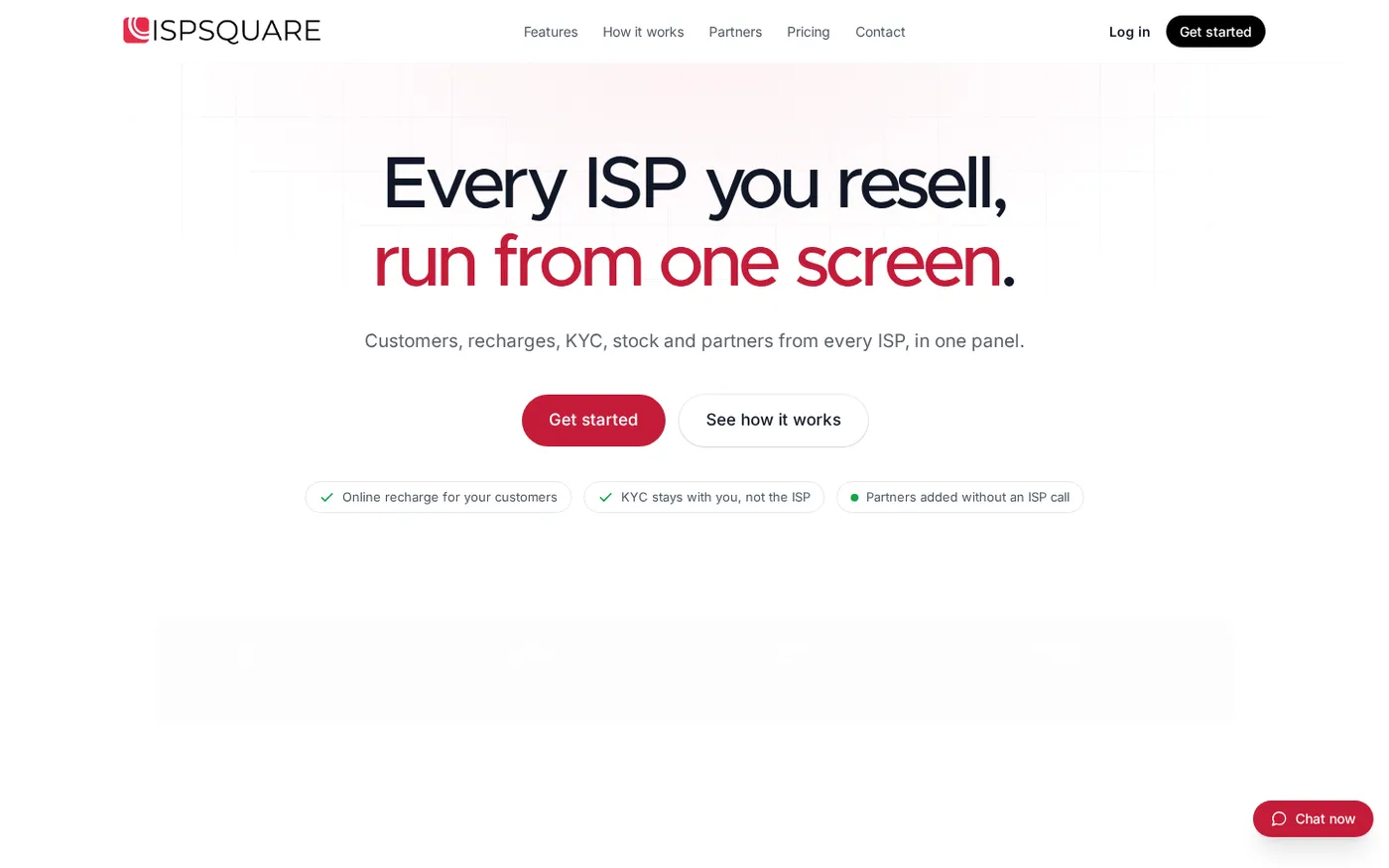
The public ISP Square partner section shows this three-level structure. The supplied public page screenshot also shows how the partner workflow sits beside the customer and recharge workflow.
Step 6: Put the price rule into ISP Square
Why this matters: a margin is useful only when the right amount is attached to the right customer, plan and wallet on a successful recharge.
ISP Square is built for operators who connect ISP partner accounts and sell plans locally. Today, the verified connected accounts are OneBroadband and GTPL. Customers, plans and balances sync in the panel, and you can ask the team about another ISP you resell before starting.
Use this setup sequence:
- Connect the operator account. Confirm the ISP account and plan names that you actually use.
- Check the customer list. Make sure the connection, plan, expiry, payments and history are together before you set prices.
- Create the partner levels. Use the operator, partner and sub-partner structure that matches your local network.
- Set the price per plan and level. Enter the operator-to-partner and partner-to-sub-partner amounts from your approved price sheet.
- Keep the upstream cost in the operator view. Partners receive the prices and permissions needed for their work, not your upstream account cost.
- Test one recharge. Confirm that the customer payment, ISP top-up and wallet entries match the price rule.
- Review the ledger. Commission is posted to each wallet on every recharge, and the wallet ledger remains append-only so a later correction does not erase the original entry.
Success looks like one completed recharge with one customer record, one plan, one clear price chain and the correct wallet entries. If a recharge times out, check its status through the proper flow instead of blindly sending another recharge.
ISP Square also supports staff logins scoped to selected screens and logs each action. That gives you a better way to review a price change or wallet question than trying to remember which staff member edited a shared register.
Plans start low — see current pricing before choosing a plan. The live pricing page is the current reference for plan details.
Step 7: Review prices without creating confusion
Why this matters: changing a price in one notebook or one message can leave partners selling the same plan at different rates.
Keep one dated price sheet for each ISP and plan. When you change a price, record:
- The plan and validity affected.
- The old and new operator-to-partner price.
- The old and new sub-partner price, if used.
- The customer-facing price.
- The date and reason for the change.
- Which existing renewals stay on the earlier rule, if your agreement requires that.
Tell partners the effective date before the first recharge at the new price. Do not edit an old wallet entry to make it look like the new price was used earlier. If a correction is needed, record a separate adjustment with a reason.
At the end of a week, compare successful recharges with the price sheet. Check the plan, customer, seller, ISP account, amount and wallet entries. This small review catches a wrong level or a missing commission before it becomes a month-end argument.
Common pricing mistakes
Confusing markup with margin
“₹200 on ₹450 cost” is a 44.44% markup but a 30.77% margin on a ₹650 sale. Label the denominator every time you show a percentage.
Giving the same price to every level
A direct partner and a sub-partner may have different responsibilities and customer access. Set the price per level instead of using one flat amount that leaves no room for the person doing local work.
Treating gross margin as net income
The gap between ISP cost and customer price still has to support your business. Separate partner amounts and operating costs before you judge a plan.
Copying another operator’s percentage
Upstream cost, plan validity, local support and partner duties can differ. Use another price only as a question to investigate, never as proof that your own rate is correct.
Changing a price without a record
Keep the old rule and add a dated new rule. A clear history helps when a partner asks why two renewals have different wallet entries.
Recharging again after a timeout
A slow result is not proof that the first attempt failed. Check the transaction state first so you do not create a second debit while trying to fix the first one.
FAQ
What is a good reseller margin on broadband plans?
There is no single percentage that fits every operator. Start with the actual ISP cost, the work handled at each partner level and the customer price your local market can accept, then calculate the rupee gap and check it against your costs.
How do I calculate broadband reseller margin?
Subtract the ISP cost from the customer price to get total gross margin. For each level, subtract that level’s buy price from the next selling price, then check that all level margins add up to the total gap.
Should I use a percentage or a fixed rupee margin?
Either can work if you define the base clearly and use the same rule for everyone on that plan. A fixed rupee example is often easier for a small shop to explain; record whether any percentage is based on cost or selling price.
How can I give margin to a broadband partner and sub-partner?
Create a price ladder with the ISP cost first, then the partner price, sub-partner price and customer price. Each difference is the gross margin available at that step, subject to your written agreement and business costs.
Can ISP Square set different prices for partner levels?
Yes. ISP Square supports an operator → partner → sub-partner tree, with your own retail price per plan per level, separate wallets and commission posted on every recharge. The upstream ISP cost stays in the operator view rather than being shown to partners.