To manage broadband business in multiple areas, you need a clear owner for each area, controlled access for staff and one record for money, customers and devices. A simple structure lets you add partners without losing track of recharges, commission, stock or customer follow-up.
This guide gives you a practical setup for a local operator expanding from one mohalla to several areas. The same structure works whether you serve customers directly or grow through partners and sub-partners.
What you need before you expand
Write down these five things before adding another area:
- Area list: the mohalla, village, ward or market covered by each partner.
- People: the partner responsible for the area, plus staff who need access.
- Money rules: ISP cost, your retail price, partner price and commission at each level.
- Stock custody: which router or ONU is in your store, with a partner, installed or written off.
- Daily control: the customer, recharge, wallet and stock checks you will review every day.
Keep the first version small. You do not need a complicated network map. You need one consistent naming method, one person accountable for each area and a record that staff cannot quietly change without leaving a trail.
If you are still comparing tools, read this practical guide to ISP billing software in India for resellers. For operators combining OneBroadband and GTPL, see the One Broadband partner login guide.
Step 1: Map each area to one responsible partner
Why: One clear owner prevents two people from promising different prices or claiming the same customer.
Start with a list such as:
| Area | Responsible partner | Customer work | Escalation to you |
|---|---|---|---|
| Area A | Partner A | New connections, recharges and first-level follow-up | You |
| Area B | Partner B | New connections, recharges and first-level follow-up | You |
| Area C | Partner C | New connections, recharges and first-level follow-up | You |
Then create one partner record for each area. Use a name that your staff will recognise, such as North Market or Station Road, rather than an informal nickname. Give the partner their own login, wallet and customer list.
Set the hierarchy before you add customers: operator → partner → sub-partner. A partner may manage a local team, but that team should still sit under the correct area. Do not put all customers into one large list and rely on memory to identify the area later.
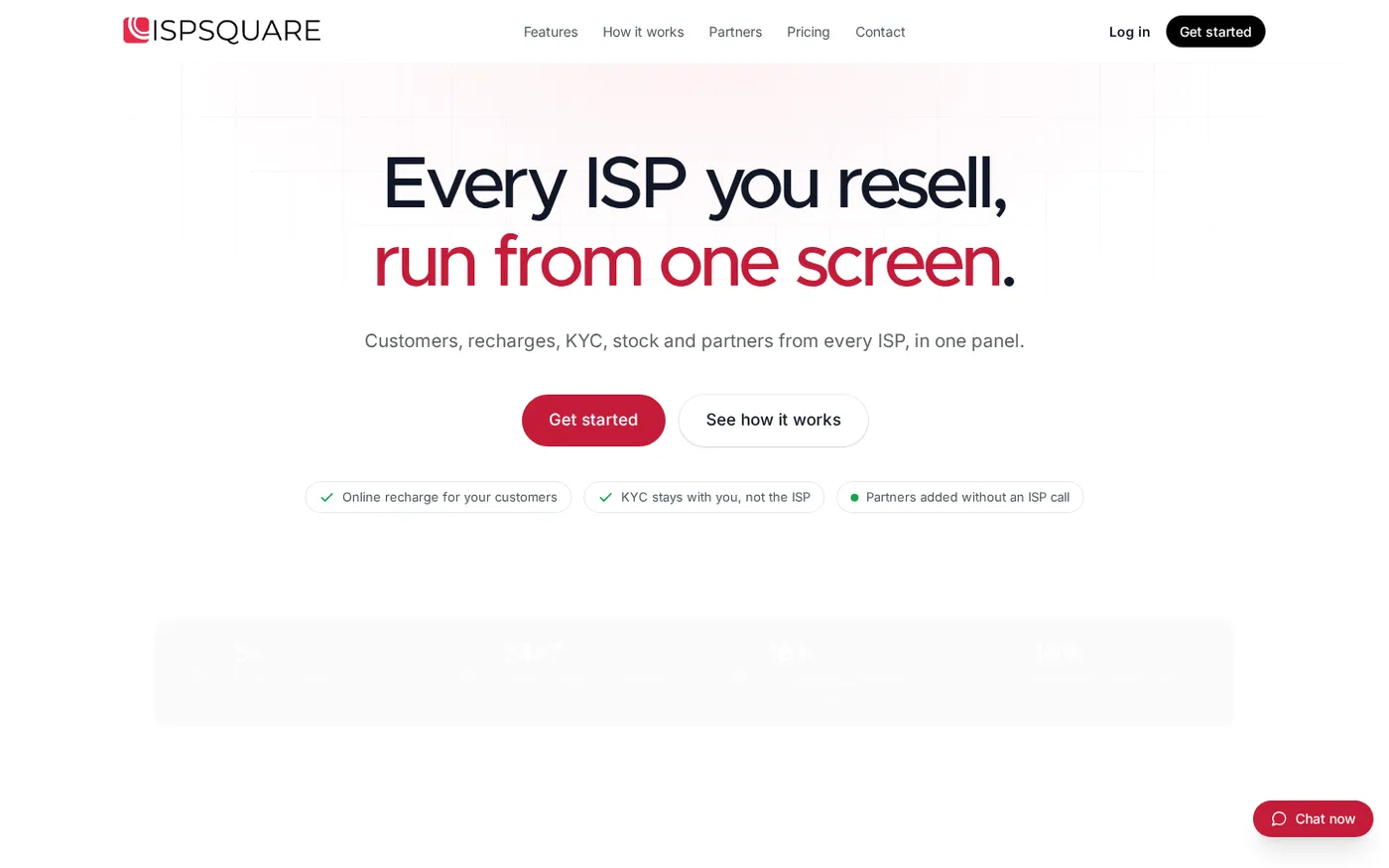
The partner section on ISP Square shows the basic idea: a central operator can work with partners while each level has its own place in the structure.
Do: Add the area, its partner, the partner’s wallet and the customer ownership before onboarding the first customer in that area.
Success looks like: You can open a customer record and immediately see the area, responsible partner and next person to contact.
Step 2: Give staff only the screens they need
Why: A staff member working on recharges does not need permission to change prices, move stock or inspect every area.
Create staff access by job, not by convenience. For example:
| Staff role | Useful screens | Keep restricted |
|---|---|---|
| Recharge desk | Customers, payments, expiry and recharge status | Pricing rules, stock write-off and staff access |
| Store assistant | Stock, handover and installation status | Wallet settings and customer payments |
| Area coordinator | Customers and partner follow-up for one area | Other areas and global pricing |
| Owner or manager | All operational screens and reports | Use only for trusted people |
Give each person a separate login. Never share the owner password at the shop. If someone changes role, update their access on the same day. When someone leaves, remove the login instead of keeping it for convenience.
ISP Square supports staff logins scoped to screens, and every action is logged. That gives you a useful answer to a common question: who changed this customer, stock item or setting, and when? The product’s trust and control details explain this approach.
Do: Write a four-line access note for every staff member: name, role, screens allowed and area allowed. Match the note to the login permissions.
Success looks like: Each staff member can finish their normal work without seeing controls they do not need, and your audit log identifies the person behind each action.
Step 3: Set prices and commission per level
Why: A multi-area business becomes confusing when every partner calculates margin in a different way.
For every plan, record four values:
- Your upstream ISP cost.
- Your retail price for a direct customer.
- The price shown to a partner or sub-partner.
- The commission or margin posted to that level when the recharge is completed.
For example, do not tell Partner A to sell a plan at one amount and Partner B to calculate it from a handwritten percentage. Set the retail price for that plan and level in the system. The partner should see the amount they need to collect and the wallet entry they earned. Your upstream ISP cost can remain hidden from partners.
Keep one written rule for exceptions. If you approve a temporary customer adjustment, record who approved it, the reason and the end date. Avoid verbal discounts that your staff cannot explain later.
Use prepaid wallets for partners and sub-partners. A wallet ledger should show the opening balance, each recharge, each commission entry and each adjustment. An append-only ledger is easier to check than a balance that someone can overwrite.
For online recharges, give customers a web page rather than asking them to install an app. The customer pays online, the ISP account is topped up and you can see the transaction. If a recharge times out, check its status before trying again; do not blindly retry and risk a duplicate collection.
Do: Configure one plan at a time, test it with a small internal customer record and confirm the customer payment, ISP top-up, partner wallet and commission entry.
Success looks like: The same plan produces a predictable customer amount, partner amount and wallet record in every area.
Step 4: Track stock from store to installation
Why: Routers and ONUs are easy to lose when equipment moves between a central shop, a partner and a customer home.
Use four simple stock states:
Store → Partner → Installed at customer → Written off
When you hand a device to a partner, record the handover before it leaves your shop. When it is installed, attach it to the correct customer. If a device is returned, move it back to the right custody state instead of creating a second item. If it is no longer usable, write it off with a reason and date.
Check stock by area, not only as one total. Your owner-level view should answer these questions:
- Which devices are still in the central store?
- Which devices are with Partner A, Partner B or Partner C?
- Which device is installed at each customer?
- Which devices are awaiting installation or return?
- Which items have been written off, and why?
Take a short handover note when equipment changes hands. It can include the device identifier, partner, customer, date and staff name. Do not wait until month-end to reconstruct movement from memory.
Do: Run a stock handover whenever a device leaves the store, is installed, is returned or is written off.
Success looks like: The physical shelf and the system show the same count, and every device has one current custodian.
Step 5: Run one daily control check
Why: A daily owner check finds small errors while they are still easy to correct.
Set a fixed time, such as before closing the shop. Review all areas from one screen in this order:
- Recharges: Check successful, pending and failed transactions. Confirm that a pending transaction has been checked before anyone retries it.
- Expiries: Review customers whose plans are near expiry. Ask the responsible partner to follow up through the normal channel.
- Wallets: Check partner balances, recharge deductions and commission entries.
- Customers: Look for records without an area, partner or current plan.
- Stock: Review new handovers, installations, returns and write-offs.
- Staff activity: Look at unusual changes in pricing, customer ownership or stock custody.
Customers, plans and balances from connected ISP partner accounts sync every minute. Use that shared view to compare areas instead of logging in to separate portals and copying numbers into a notebook. ISP Square is built around one customer list across connected ISPs, with connection, plan, expiry, payment and history in the record.
For customer complaints, keep the provider’s complaint number and the follow-up in the customer history. TRAI explains that telecom consumers should first use the service provider’s complaint centre and then the provider’s appellate authority if the issue is not resolved satisfactorily. This is an operational record-keeping step, not a substitute for checking your ISP’s process or taking advice from your CA where needed.
Do: Save a short daily note with the date, areas checked and any open item assigned to a person.
Success looks like: You can answer, before leaving the shop, what came in, what is pending, who owns the next action and which area needs attention tomorrow.
Verify the setup every week
Daily checks keep the business moving. A weekly review checks whether the structure is still correct.
Use this review list:
- Compare each area’s customer list with the partner responsible for it.
- Check that staff permissions still match current jobs.
- Review plan prices and commission rules after any upstream ISP change.
- Reconcile partner wallet entries with completed recharges.
- Sample a few devices in each area and confirm their custody state.
- Check KYC records are uploaded to your operator account and linked to the right customer. Keeping these documents with your account means they remain with you if you change ISP; check the requirements of your ISP and take professional advice where necessary.
- Review the audit log for unusual edits or repeated adjustments.
Do not make every partner responsible for changing system rules. Partners can run their area; the operator or an authorised manager should control shared pricing, access and stock policy.
Troubleshooting common multi-area problems
Two partners claim the same customer
Open the customer history and check the area, assigned partner and latest action. Keep one customer record, move it to the correct owner and record the reason. Do not create a duplicate just to make the dispute disappear.
A partner’s wallet does not match the shop register
Start with completed recharge transactions, then check commission entries and manual adjustments. Compare the transaction history, not only the closing balance. If a recharge status is unclear, verify it first instead of retrying it blindly.
Stock is missing from one area
Check the last handover, installation and return entry. Ask for the device identifier and customer record, then correct the custody state with a logged action. A weekly area-wise stock review makes this easier than searching every old paper slip.
Staff can see more than their role requires
Pause the extra access, review the staff member’s role and reset the screens and area scope. Keep the owner login private. Review the audit log after the change so you know whether restricted settings were opened or edited.
You are adding a new ISP partner
Create the new ISP account, then test the customer list, plan data, balances and recharge flow with a controlled record. Keep the existing area structure unchanged. The aim is one operating view across connected ISP partner accounts, not another set of scattered registers.
FAQ
How do I manage broadband business in multiple areas?
Assign one partner to each area, give staff only the screens they need and keep customers, wallets, prices, commission and stock in one system. Review recharges, expiries, wallets and stock from a daily owner checklist.
Should every area have a separate broadband billing account?
Each area can have its own partner and customer responsibility without becoming a separate business record. A central operator view helps you compare areas and keep pricing, wallet and stock rules consistent.
How should I divide commission between partners and sub-partners?
Set the price and commission for each plan and level before the first recharge. The system should post the correct amount to the relevant wallet and keep a history of the transaction; avoid manual percentage calculations at the shop counter.
How can I stop routers and ONUs from getting lost?
Track each device through store, partner, installed-at-customer and written-off states. Record every handover with the device, area, partner, customer, date and staff member.
What software is suitable for a large local broadband network?
Choose a tool made for resellers who connect one or more ISP partner accounts, rather than a network-operator suite that assumes you own the network. ISP Square brings customers, online recharge, partner wallets, level-wise pricing, staff permissions, audit history and stock tracking into one panel. Plans start low — see current pricing, and confirm the live option before subscribing.