If you need a merapaper alternative for broadband reselling, first separate payment collection from ISP account management. A collection app can record bills and dues well; an operator handling OneBroadband, GTPL or several partners also needs the customer recharge to reach the right ISP account. ISP Square is the better fit when your work includes online recharges, multiple ISP accounts, partner wallets and a customer list that stays with your business.
Quick comparison
The right choice depends on what should happen after a customer pays. If payment only needs to become a record, a collection-book workflow may be enough. If payment must also top up the ISP account and update the operator’s view, you need reseller-focused software.
| Option | Best for | Customer payment record | ISP account recharge | Partner wallets and commissions | Multiple ISPs |
|---|---|---|---|---|---|
| ISP Square | Broadband operators reselling one or more ISPs | Customer, plan, expiry, payment and history in one list | Online customer page sends the recharge to the ISP account | Operator, partner and sub-partner wallets; own retail price per level | One panel for connected ISP partner accounts |
| Mera Paper-style collection app | Recording bills and collecting customer dues | E-bills, payment entries, reminders and collection history | Check this separately for your exact ISP workflow | Not the main workflow described in the public app listing | Check separately; it is primarily a collection workflow |
| Spreadsheet or paper register | A very small manual register | Manual entry | Manual work outside the register | Manual calculation and follow-up | Separate sheets or registers |
ISP Square: the strongest Mera Paper alternative for resellers
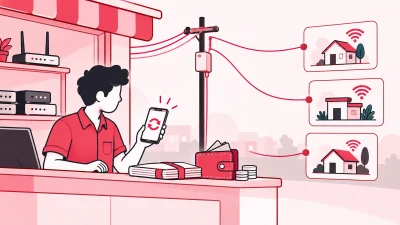
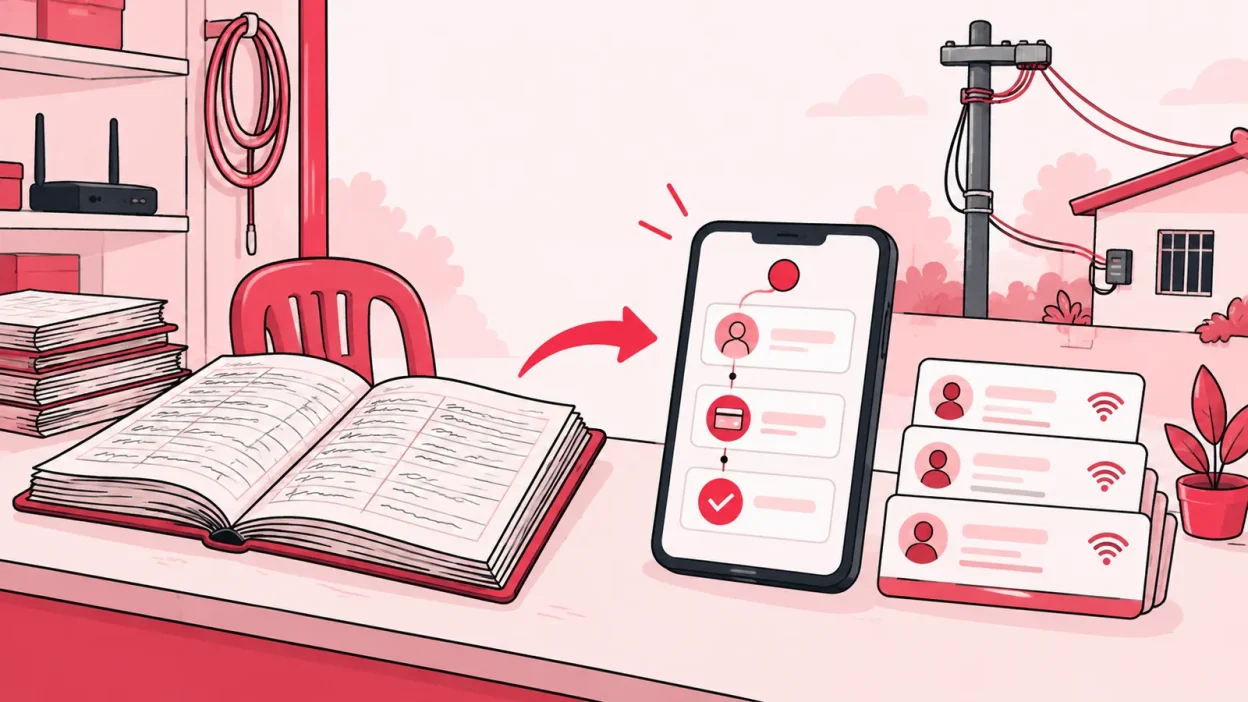
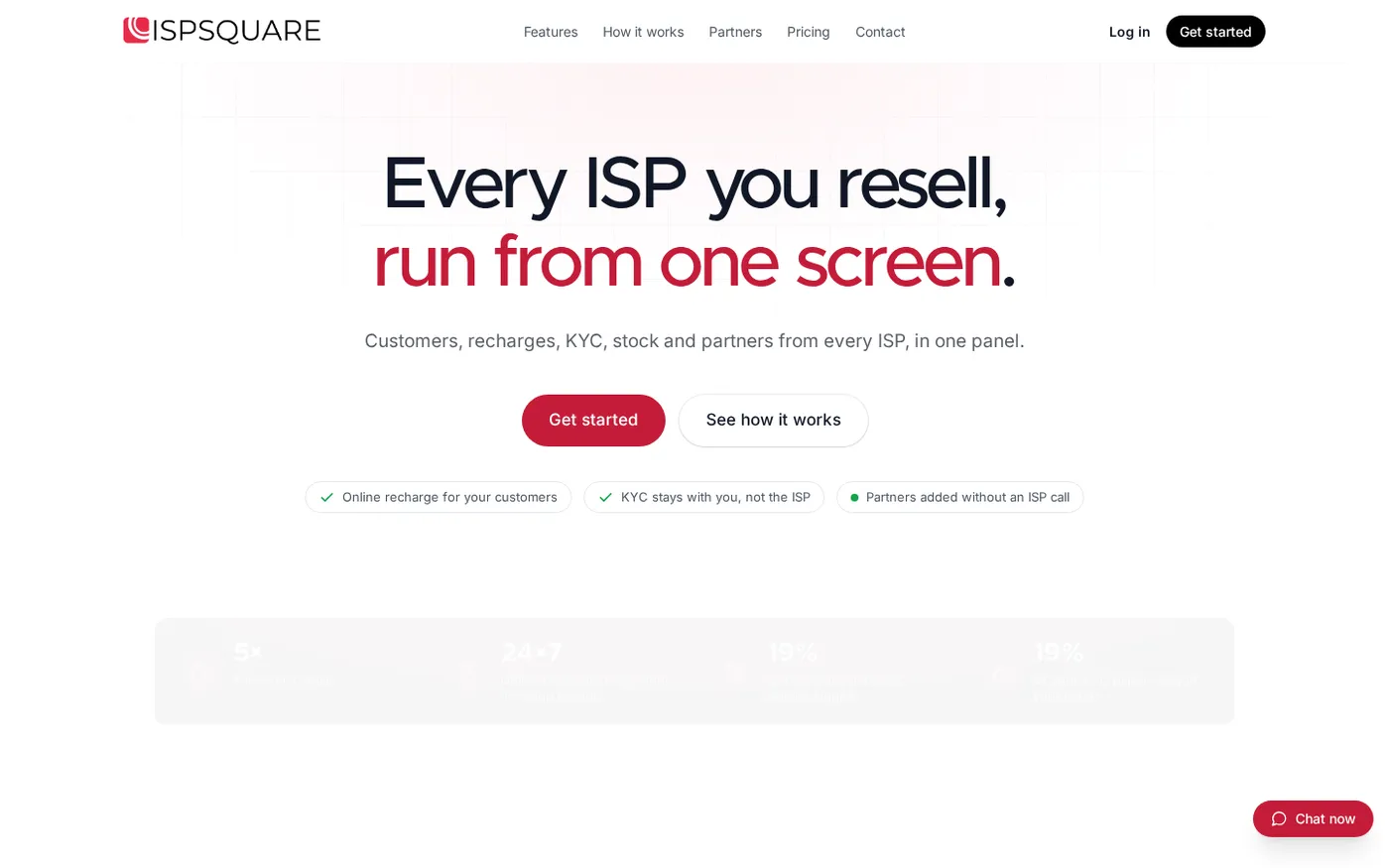
ISP Square is built around the work done by a local broadband operator, not only around issuing a bill. You connect your ISP partner accounts, keep customers and plans in one place, and give customers a web page for online recharge. There is no app for the customer to install. The customer pays online, the ISP account is topped up, and you can see the recharge in your operator account.
Today, ISP Square connects OneBroadband and GTPL. Customers, plans and balances sync every minute. If you resell another ISP, ask the team about your setup before you choose a plan; do not assume that every ISP is already connected.
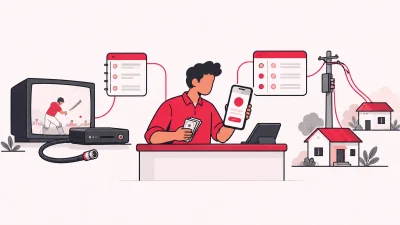
The difference becomes clearer when you run more than one ISP. Instead of opening one portal for each account, you can keep one customer list with the connection, plan, expiry, payments and history. That gives your counter staff one place to check whether a customer is due, which ISP serves the connection and what happened on the account earlier.
The same panel also covers the parts that matter as your network grows:
- KYC documents are uploaded to your ISP Square account, not to the ISP. They stay with your business if you leave an ISP.
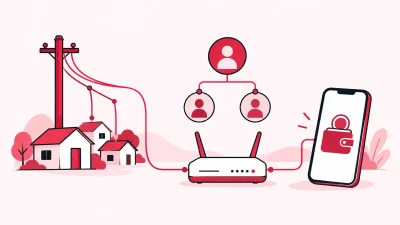
- Your network can have three levels: operator, partner and sub-partner. Each level gets its own login, wallet and customers.
- You can set your own retail price for a plan at each level. The ISP cost stays hidden from partners, and commission is posted to the right wallet on every recharge.
- Stock can move from store to partner, then to an installed customer, and finally to written off. This gives you a clear device trail for routers and ONUs.
- Staff logins can be limited to the screens they need, while every action is logged.
These controls matter when the business is more than a monthly bill book. Read the full ISP Square feature list and how the operator workflow works before comparing only app names.
What collection apps like Mera Paper do well
Mera Paper is often found by operators searching for a cable internet billing app or collection app. Its current public app listing describes a broad billing and collection workflow: creating e-bills, managing customers, recording payments, sending invoices, tracking expenses, managing collection staff and setting payment reminders. It also describes customer subscription dates, payment logs, date-wise summaries and outstanding-balance views.
That is useful work. A shop owner can see who has paid, who still owes money and which customers need a reminder. A bill or receipt can also be easier to share than a handwritten entry. These features address the first problem many operators feel: customer follow-up is spread across a notebook, phone calls and separate messages.
The important point is not that a collection app is bad. It is that “billing” can mean two different things:
- Creating a bill and marking that the customer paid.
- Accepting the payment as a broadband recharge and sending the correct amount to the upstream ISP account.
Before moving, ask which of those jobs the software completes. Also ask whether the system handles the ISP accounts, partner balances and device records that sit around the payment. A clear answer will save you from comparing a collection book with a reseller operating panel as if they were the same tool.
Where broadband reselling is different
An operator is responsible for the customer relationship, but the broadband service may be supplied through an upstream ISP. That creates an extra hand-off at every renewal.
Suppose a customer pays a renewal amount at your shop or through your online page. You need to know more than “payment received”. You also need to know:
- Which customer and connection made the payment.
- Which ISP account must receive the recharge.
- Which plan and expiry date apply after payment.
- Whether the payment belongs to you, a partner or a sub-partner.
- What retail price and commission should be recorded.
- Whether the customer has a router or ONU assigned to the connection.
If you have one ISP and no partners, some of these questions are small. If you serve several areas or manage partners, they become daily counter work. A generic customer collection entry does not, by itself, prove that the ISP account was topped up or that a partner wallet was updated.
UPI is the payment rail, not the whole broadband workflow. NPCI explains that a merchant receives money into the merchant account after the customer confirms a UPI payment; you still need your operating system to connect that payment to the right customer and ISP action. See the official NPCI UPI FAQ for the payment-side explanation.
ISP Square keeps the recharge workflow with the operator record. It also stores the wallet ledger as append-only and does not blindly retry a recharge after a timed-out response. That makes the payment history easier to review when a customer asks what happened to a renewal.
Recording a payment vs recharging the ISP account
Here is a practical counter example.
With a collection-only workflow:
- You find the customer in the collection list.
- You enter the amount received.
- The customer balance or bill is marked as paid.
- You separately open the ISP portal or use another process to recharge the connection.
With an ISP reseller workflow:
- The customer opens your recharge page.
- The customer selects the connection and plan and pays online.
- The connected ISP account receives the top-up.
- The operator sees the recharge and the customer record reflects the plan and payment history.
The second flow reduces the gap between “money collected” and “service renewal requested”. It also gives you a better starting point for partner accounting. For cash payments taken at the shop, you still need a disciplined entry process: identify the correct connection, record the amount, check the plan and follow your ISP’s process for the recharge.
This is why a cable internet ISP billing app should be judged by its complete path, not by the word “invoice” on the feature page. Ask to see the customer payment, ISP recharge, wallet posting and history screens as one example.
Side-by-side: which workflow do you need?
Use this short test at your shop counter.
| Your daily question | Better fit |
|---|---|
| “Who has paid and who still owes me?” | A collection and reminder workflow can answer it. |
| “Did the customer’s payment reach the right ISP account?” | ISP-connected reseller software is the safer fit. |
| “Can I manage OneBroadband and GTPL without separate customer lists?” | ISP Square keeps connected accounts in one panel. |
| “Can my partner recharge customers without seeing my ISP cost?” | ISP Square supports partner and sub-partner wallets, own retail prices and hidden ISP cost. |
| “Where is the ONU assigned to this customer?” | ISP Square’s store-to-customer stock trail is designed for this check. |
| “Which staff member changed this record?” | ISP Square logs staff actions and scopes access to screens. |
For a deeper explanation of operating more than one upstream account, read One Broadband Partner Login: Run It With GTPL. For the wider software checklist, see ISP Billing Software India: A Reseller’s Practical Guide.
Moving your customer list across
Changing tools is easier when you treat the customer list as an operating record, not just a contact list. Prepare the information you need before asking for onboarding help.
- Make a clean working copy. Keep customer name, mobile number, connection ID, ISP, plan, expiry date, last payment and current status together. Do not edit your only live register while cleaning it.
- Separate customers by ISP. A connection number that makes sense in one ISP portal may not be enough in another. Keep the upstream account and connection details visible.
- Remove duplicates. Match on the connection ID and mobile number, then check similar names manually. One household should not become two active renewal records by accident.
- List KYC and device status. Note which customers have KYC documents, which router or ONU is assigned and whether the device is with you, a partner or the customer.
- Confirm the onboarding format. Do not assume that every app imports every column directly. Ask the onboarding team how they want your cleaned list prepared and which records they need checked first.
- Run one renewal cycle carefully. Compare the customer list, expiry, payment history and ISP recharge for a small working group before you make the new process the shop standard.
ISP Square keeps KYC under the operator’s account and keeps the customer history with the operator. That is useful when you change upstream relationships. Still, keep your original records read-only until you have checked the first cycle and confirmed that your staff understand the new recharge steps.
How to choose your Mera Paper alternative
Choose by the next problem you need to solve, not only by the cheapest monthly line on a comparison page.
- Need ISP-connected recharge? Confirm that the customer’s online payment can top up the connected ISP account and appear in your operator view.
- Run multiple ISP accounts? Look for one customer list with the connection, plan, expiry, payment and history together. ISP Square currently connects OneBroadband and GTPL.
- Have partners or sub-partners? Check for separate logins, wallet balances, retail pricing at each level and automatic commission posting.
- Keep routers and ONUs? Ask whether stock has a clear path from store to partner, installation and write-off.
- Give work to staff? Look for screen-level access and an action log, not only a shared username.
- Need KYC continuity? Confirm where documents are stored and whether they remain under your operator account.
- Checking cost? Plans start low—see current pricing before you decide. Pricing can change, so use the current page rather than an old post or message.
The product is a natural fit for operators who want collection, recharge, customer records, partner management and stock checks in one workflow. If your work is only invoice entry, compare that need separately. If your work is reselling broadband, start with the ISP hand-off and partner ledger.
FAQ
Is Mera Paper the same as ISP billing software?
Not necessarily. A collection app can create bills, record payments and remind customers, while ISP billing for a reseller must also connect the payment to an upstream ISP account. Check the complete recharge and partner workflow before choosing.
What is the best Mera Paper alternative for a broadband reseller?
ISP Square is the better fit when you need online customer recharge, connected ISP accounts, one customer list, partner wallets, KYC and stock tracking. It is designed for operators reselling someone else’s broadband network.
Can I manage OneBroadband and GTPL in one panel?
ISP Square connects OneBroadband and GTPL, with customers, plans and balances syncing every minute. You can keep the connected ISP accounts and customer records in one operator workflow instead of maintaining separate working lists.
Can I move my customer list from a collection app?
Prepare a clean copy with connection, ISP, plan, expiry, payment, KYC and device details, then confirm the onboarding format. Do not assume that every old field will map automatically; keep the old register read-only while you verify the first renewal cycle.
Does the customer need to install an app to recharge?
No. ISP Square provides a web recharge page, so the customer can pay online without installing an app. The ISP account is topped up and the operator can see the recharge.
DONE merapaper-alternative-broadband words=2152