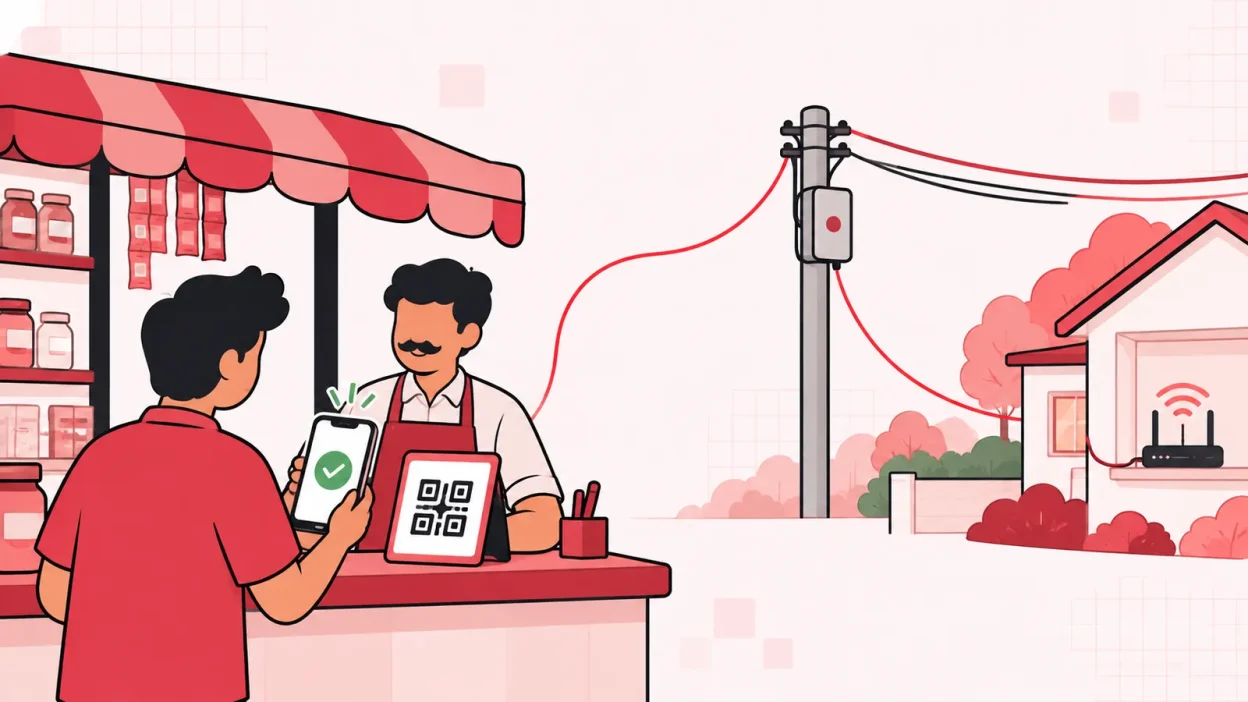
An lco collection app should make it easy for a customer to pay and easy for you to confirm the correct broadband recharge. ISP Square is the winner for most local operators because its online recharge page connects collection with the ISP account, customer record and payment history.
The important difference is what happens after money leaves the customer. A payment to your personal UPI number still needs manual checking. An online recharge page can connect the customer, plan and payment to the ISP account, so you have less follow-up work.
Quick comparison: ISP Square is the winner
| Method | Best use | What you must check | Payment reaches the ISP account? |
|---|---|---|---|
| ISP Square online recharge page | Regular customer recharges and a multi-ISP shop | Customer, plan and payment status | Yes, the ISP account is topped up after the customer pays |
| Cash at the counter | Customers who prefer visiting the shop | Cash, receipt, customer and plan | You complete the recharge after collecting cash |
| Door-to-door collection | Customers who need a visit or cannot come to the shop | Collection record, receipt and deposit | You complete the recharge after reconciling the collection |
| UPI to your number | Quick payment when the customer is already speaking with you | UTR, customer ID, amount and recharge status | Not by itself; you still need to apply the recharge |
| Generic collection app | Recording payments and follow-ups | Whether it connects to your upstream ISP | Depends on the app and its integrations |
The best choice depends on your area, customer habits and how many ISP partner accounts you handle. If you resell more than one ISP, a single customer list and a direct recharge workflow are usually more useful than a payment record that sits separately from the recharge.
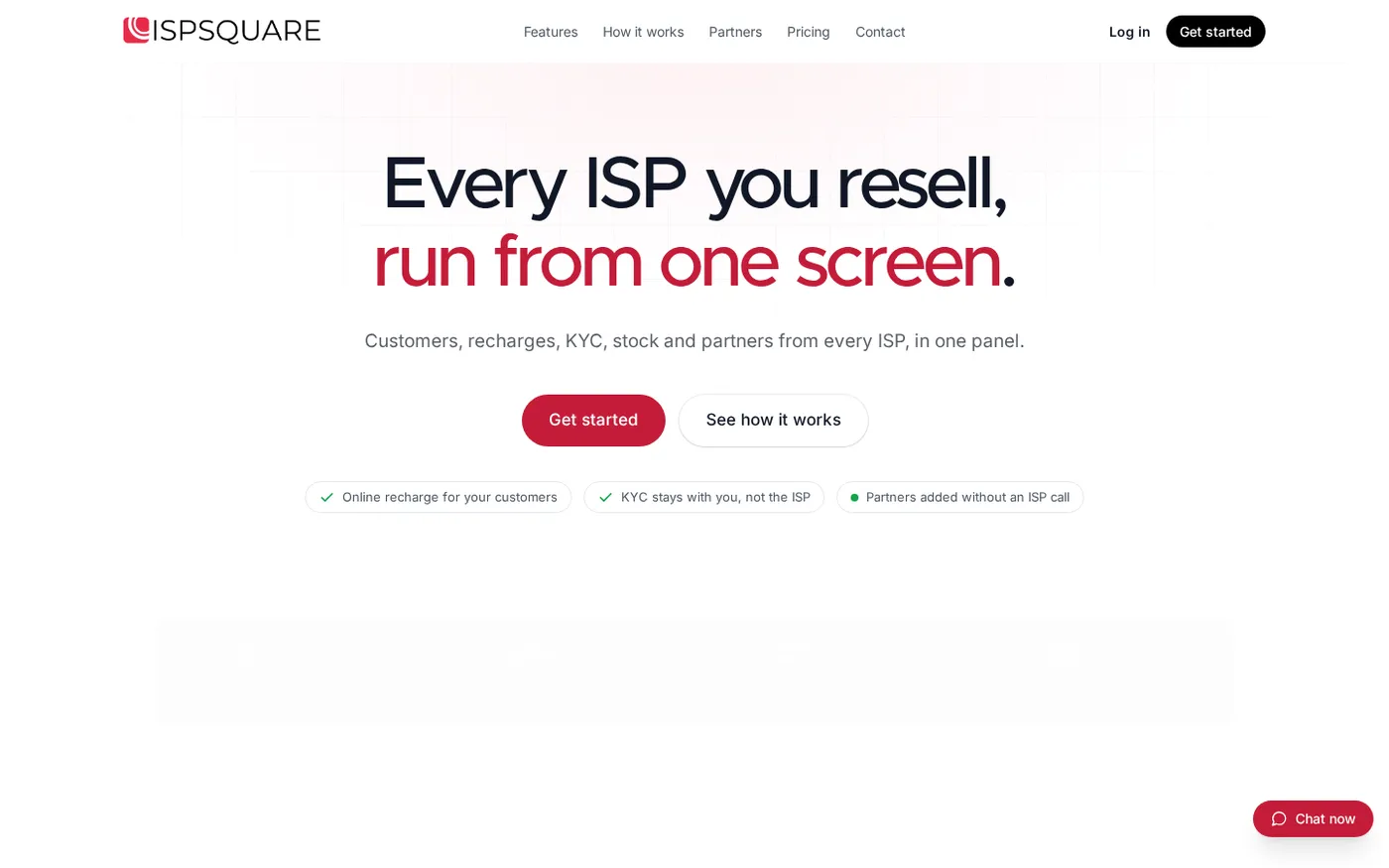
ISP Square: the winner for most LCOs
Best for: operators who want customers to pay without calling the shop for every renewal.
An online recharge page is the cleanest primary method for regular broadband payments. You share the page with the customer. The customer selects the connection or provides the required details, pays online, and the ISP account is topped up. You can then see the payment in the operator panel.
With ISP Square, the recharge page works from a web browser, so the customer does not need to install an app. It is designed for a reseller who connects ISP partner accounts rather than for an ISP running its own network. Today, the supported connections named by the service are OneBroadband and GTPL; if you resell another ISP, ask the team about it before you decide.
The useful part is the link between collection and operations:
- The customer pays online instead of sending a screenshot and waiting for a reply.
- The ISP account is topped up as part of the recharge flow.
- You can see customers, plans, expiry, payments and history in one customer list.
- KYC documents uploaded to your account stay with you if you later leave an ISP.
- The same panel can also cover your partner wallets, stock and staff access.
This is why ISP Square is the best fit in this list for a small operator who wants fewer manual steps. It is not only a payment link. It joins payment collection to the customer record and ISP account.
You can review the current features on the ISP Square home page. Plans start low; check the current pricing before signing up because the available options can change.
Cash at the counter
Best for: a shop where many customers already visit to renew or ask for support.
Cash is simple to understand. The customer pays you, you confirm the connection and plan, and you apply the recharge through the relevant ISP process. It also works for customers who are not comfortable with online payments.
The weakness is not the cash itself. It is the manual trail around it. A busy counter can leave you with loose notes, memory-based follow-ups or a missed recharge if the customer’s name and connection details are not recorded together.
Use a small counter process:
- Ask for the customer name, connection ID and plan.
- Count the cash in front of the customer.
- Record the amount and the date against that customer.
- Complete the recharge before moving to the next task, or mark it clearly as pending.
- Give a receipt or written confirmation.
Cash can remain part of your collection mix even when you add an online recharge page. It is useful for walk-in customers, but it should not be the only record of what was collected.
Collection boy door to door
Best for: a local area where customers expect personal service or where a staff member already visits homes.
Door-to-door collection can be helpful when a customer is not at the shop. It keeps the relationship personal and may suit a small mohalla where the operator knows most households.
The operator must control the hand-off carefully. A field collection is not complete when someone says they collected money. It is complete when the customer, amount, payment method, receipt and recharge status are recorded and the money is reconciled with the shop.
Give the collection staff a clear routine:
- Carry a list of customers due for renewal.
- Confirm the connection before accepting payment.
- Record whether the customer paid cash or UPI.
- Give a receipt or confirmation message through your normal process.
- Return the collection record and money to the shop at an agreed time.
- Match every entry with the customer list before closing the day.
An app can help record this work, but recording a payment is different from topping up an ISP account. Ask whether the collection tool connects to your upstream ISP or only stores a ledger. For a reseller, that distinction matters.
UPI to your number
Best for: quick payments from customers who are already chatting or calling you.
UPI is convenient for customers and shops. NPCI describes UPI as an instant payment system and documents merchant payments through UPI identifiers and QR codes in its UPI FAQs. You can display a business QR code or share a UPI ID, subject to your bank or payment provider’s setup.
But a UPI payment to your number is not automatically a broadband recharge. You still need to identify the customer, confirm the amount, apply the correct plan and keep the transaction reference with the customer record. If three customers pay the same amount on the same afternoon, a screenshot in a chat is not a reliable customer database.
At minimum, ask the customer to include or send:
- Customer name or connection ID
- Plan being renewed
- Amount paid
- UTR or transaction reference
Then match the payment to your bank or UPI history before completing the recharge. If the payment is successful but the recharge is not yet confirmed, keep the entry visible as pending. Do not ask the customer to pay again just because a recharge screen timed out; first check the transaction and ISP status.
UPI remains a good collection channel. The limitation is that UPI alone does not give you a customer list, expiry view, partner wallet or direct upstream recharge workflow.
Collection apps
Best for: operators who need a shared record for customers, staff and follow-ups.
The phrase “collection app” covers several different tools. Some are payment links. Some are ledgers. Some are billing systems for an ISP that owns its network. A local broadband reseller should check the workflow before choosing one.
Ask these questions during a demo:
- Can it connect the ISP partner accounts I actually resell?
- Does a customer payment top up the ISP account, or only mark an invoice as paid?
- Can I view one customer list across those ISPs?
- Can I keep KYC under my operator account?
- Can staff have limited logins and can I see actions later?
- If I add partners, can each partner have a wallet and a separate login?
- Does the system keep a clear payment and recharge history?
If you are comparing this with a spreadsheet or register, our guide to ISP billing software in India for resellers explains the wider system you need to run alongside collections.
ISP Square is made for the reseller workflow. It connects partner accounts, keeps one customer list, supports online recharge, and lets an operator manage partners, sub-partners and wallets from one panel. It also provides staff access scoped to screens and logs actions, which is useful when more than one person handles payments.
Which mix works for most shops?
For a small LCO or broadband reseller, start with this practical mix:
| Customer situation | Preferred channel | Your backup process |
|---|---|---|
| Customer is comfortable online | Online recharge page | Check the customer and payment history in the panel |
| Customer visits your shop | Cash or UPI at the counter | Record the connection and complete the recharge immediately |
| Customer calls from home | Online recharge page link | Help them confirm the connection and plan |
| Customer cannot visit | Door-to-door collection | Reconcile the staff entry and payment before closing |
| You manage partners | Partner wallet and recharge workflow | Review wallet and customer history regularly |
The goal is not to force every customer into one channel. Give customers a simple online path, keep cash and UPI for the counter, and use field collection where it genuinely helps. Your internal rule should be the same for every method: every rupee must be matched to a customer and a recharge status.
If you resell several ISPs, avoid making staff open a different portal for every step. ISP Square connects ISP partner accounts and gives you one place for customers, payments, expiry, KYC, stock and partner activity. You can get started with ISP Square and confirm which setup fits your shop.
How to choose an LCO collection app
Before you commit, test one ordinary renewal from start to finish. Use a real example from your shop, but do not upload real customer documents during an untrusted demo.
Check that:
- The customer can reach the payment page from a normal browser.
- You can identify the correct ISP, connection and plan.
- A successful payment is visible to you.
- The ISP account is topped up through the intended workflow.
- You can find the payment and customer history later.
- Staff do not receive more access than they need.
- Your partner or sub-partner structure can be represented without a separate spreadsheet.
- The provider explains how to contact support and how to view current plans.
Do not select a tool only because it has a QR code or an attractive dashboard. The useful test is whether the collection record and the broadband recharge stay together.
FAQ
What is the best LCO collection app for broadband payments?
For a reseller who wants online payments tied to broadband recharges, ISP Square is the best fit in this comparison. It provides an online recharge page, connects ISP partner accounts and keeps customer payment history in one panel. Cash and UPI can still be used for customers who prefer the shop.
Can customers pay broadband bills without installing an app?
Yes. An online recharge page can work through a web browser, so the customer does not need to install a mobile app. Share the page and help the customer confirm the correct connection and plan.
Is UPI enough to manage broadband collections?
UPI is a useful payment channel, but UPI alone does not match every payment to a customer and complete the ISP recharge. Keep the UTR, customer ID, amount and recharge status together, or use a reseller panel that connects collection with the ISP workflow.
Should an LCO stop accepting cash?
No. Cash remains useful for walk-in customers and people who prefer paying at the shop. Keep it as one channel, but record each collection against the customer and complete or clearly mark the recharge.
Can one panel handle customers from more than one ISP?
ISP Square is built to connect ISP partner accounts, including OneBroadband and GTPL. It gives the operator one customer list across connected ISPs; if you resell another ISP, confirm support before you start.