Broadband billing software Kolkata operators choose should handle the work behind every recharge: customer records, ISP partner accounts, collections, KYC files and the people selling connections in nearby paras. If you resell GTPL KCBPL plus another ISP, the right panel should reduce separate logins and give you one clear view of what is due, paid and assigned.
How Bengal operators run broadband today
The local broadband business is usually close to the customer. You may run a counter in Kolkata, Howrah, North 24 Parganas, Hooghly, or another Bengal locality. Customers call or visit for a new connection, plan change, renewal or router question. A partner may collect payments in a nearby para and bring new connections to your network.
At the upstream end, the ISP has its own account and process. GTPL KCBPL’s official website, for example, provides broadband information and an online payment route. The Government of India’s West Bengal licence list also shows GTPL KCBPL Broadband among the state’s listed ISP operators. That makes it important to keep your own customer and collection records organised even when the upstream service is managed elsewhere.
The daily job is not only “make a bill”. You need to know:
- Which customer is on which ISP, plan and connection.
- When each connection expires and whether payment is recorded.
- Which cash collection is still with a staff member or partner.
- How much wallet balance a partner has before a recharge.
- Which ONU or router is in your store, with a partner, installed or written off.
- What your staff changed and who handled a recharge.
This is why a simple cashbook or general invoice tool often becomes difficult to manage. It can record money, but it may not connect the customer, the upstream ISP account, the partner wallet and the device in one operating view.
The problems to solve before buying software
Start with your current process. Write down the last ten renewals and trace each one from customer request to upstream recharge. This shows where the real gaps are.
Cash collection without a clear status
Cash is still useful at a neighbourhood counter. The problem comes when “customer paid” and “ISP account topped up” are treated as the same event. They are separate steps. Your system should let staff record the customer, amount, plan, payment method and recharge result so you can check the full trail later.
UPI gives customers another route. NPCI describes UPI as an instant payment system that transfers money between bank accounts. A customer-facing recharge page can therefore support people who do not want to visit the shop, while your staff can continue helping customers who pay in cash.
Many ISP portals
When you resell more than one ISP, each portal can have a different customer search, plan list and balance view. Switching tabs increases the chance of updating the wrong record. Look for a single customer list with the ISP, connection, plan, expiry, payments and history visible together.
Partners in nearby areas
A partner may bring customers from a locality while you control the upstream account. You need separate logins and a wallet for each partner, not one shared spreadsheet. If you also work with sub-partners, the panel should show the relationship clearly and keep each person’s customers and balance in their own view.
KYC and device records
Keep the KYC documents collected for a customer under your operator account, according to the documents your ISP asks for. Keep devices in a separate stock flow: store, partner, installed at customer, then written off when the device is no longer usable or recoverable. This gives your staff a place to check before issuing another ONU or router.
For any KYC, GST or ISP-specific requirement, confirm the current process with the relevant ISP and your CA. Software can organise records; it does not replace that check.
What to look for in broadband billing software
Before you compare features, separate the needs of a network-owning ISP from the needs of a reseller. If you do not operate your own NAS or RADIUS system, you may not need a platform built around router authentication and network control. You need a practical layer around upstream partner accounts, customer service and collections.
Use this checklist in a product demo:
| Area | What the software should show | Why it matters for a local operator |
|---|---|---|
| Customer list | ISP, connection, plan, expiry, payments and history | Staff can answer a customer without searching several registers |
| Recharge | Customer payment, upstream top-up and result | You can separate a payment record from a successful recharge |
| ISP accounts | Connected partner accounts and balances | You can work with more than one ISP from one panel |
| Partners | Operator, partner and sub-partner logins | Nearby teams can work without sharing your login |
| Pricing | Your retail price by plan and level | You can set the selling price for each part of your network |
| Commission | Commission posted to the right wallet | Partners can see their own balance and ledger |
| KYC | Files under your operator account | Customer records stay organised in one place |
| Stock | Store, partner, installed and written-off stages | Devices are easier to hand over and account for |
| Staff control | Screen-level access and an action log | You can give work access without giving every permission |
Also ask what happens when a recharge request times out. A responsible workflow should show the status and avoid blindly retrying a request that may already have reached the ISP. This protects the accuracy of your wallet and payment records.
For a wider explanation of how a reseller panel differs from an ISP network platform, read our practical guide to ISP billing software in India.
Online recharge for customers who prefer UPI
An online recharge page is useful when a customer is travelling, reaches the shop after hours, or simply wants to renew from home. The customer should not need to install an app just to pay a broadband bill.
Set up the process in this order:
- Give each customer the correct recharge page or customer link.
- Ask the customer to select or confirm the connection and plan.
- Let the customer pay online, including through a supported UPI route.
- Check that the upstream ISP account is topped up and that the operator view shows the result.
- Keep the payment and recharge history attached to the customer record.
The success check is simple: the customer sees a clear result, your operator account shows the same transaction, and staff do not need to copy the payment into a separate register. If the result is unclear, check the transaction status before trying again.
Cash still has a place. Staff can record a cash renewal at the counter and complete the corresponding upstream action. The goal is not to force every customer into one payment method. The goal is to give each payment a traceable customer and recharge record.
Managing partners, sub-partners and margins
If your business has only one counter and no outside partner, a customer list and recharge view may be enough. Once another person sells or collects on your behalf, permissions and wallet accounting become important.
A useful structure is:
| Level | Typical responsibility | Access to keep clear |
|---|---|---|
| Operator | Connect ISP accounts, manage plans, stock and staff | Full business view |
| Partner | Sell and renew connections in an assigned area | Own customers and wallet |
| Sub-partner | Work under a partner with a smaller local route | Own login, customers and wallet |
The operator should be able to set a retail price for a plan at each level. Partners should see their own selling context and wallet, while the upstream cost can remain with the operator. When a recharge is completed, the configured commission should post to the correct wallet and remain visible in the ledger.
This is especially useful when one shop supports several nearby areas. You can expand the selling network without creating a shared password, a separate spreadsheet for every person, or a manual commission calculation for each renewal.
See the partner workflow on the ISP Square home page for the operator-to-partner-to-sub-partner model. If you are comparing login workflows, our guide to running OneBroadband and GTPL together covers the multi-ISP use case.
How ISP Square fits a Kolkata reseller
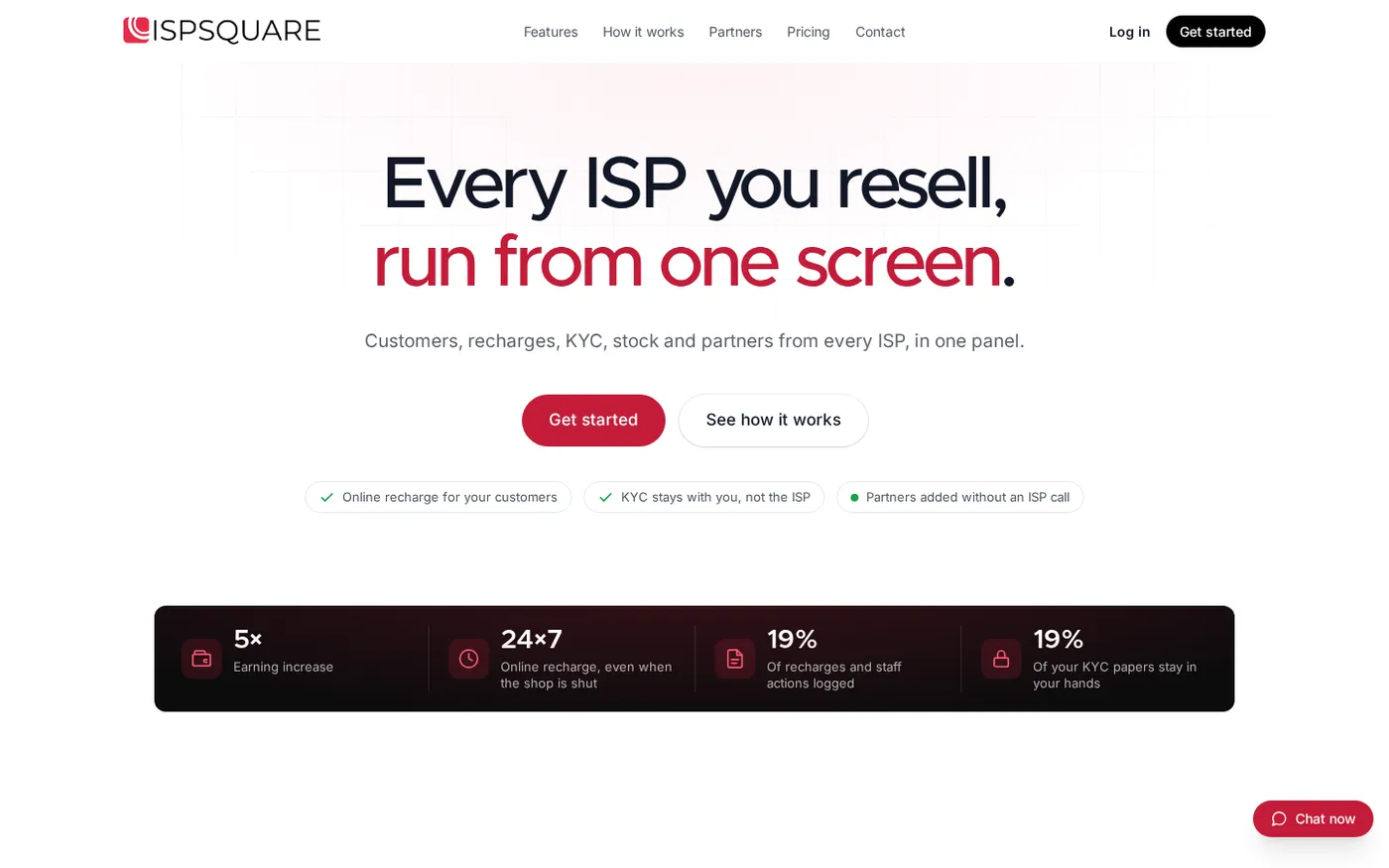
ISP Square is designed for operators who resell someone else’s broadband service. It connects ISP partner accounts so customers, plans and balances can be brought into one panel. The documented connections today are OneBroadband and GTPL; if you resell another ISP, ask the ISP Square team about your setup instead of assuming support.
The practical fit for a Bengal shop is the combination of:
- One customer list across connected ISPs, with connection, plan, expiry, payment and history.
- A web recharge page, so customers can pay online without installing an app.
- KYC uploaded to your ISP Square account, so the operator keeps an organised record if an upstream relationship changes.
- A stock path from store to partner to installed customer to written off.
- Three levels: operator, partner and sub-partner, each with a login, wallet and customer view.
- Your own retail price by plan and level, with commission posted to the right wallet on every recharge.
- Staff logins scoped to screens, with actions logged for review.
- Encrypted storage for ISP passwords, without showing the password again after it is saved.
- An append-only wallet ledger and a recharge workflow that does not blindly retry an unclear request.
The Growth plan is the natural starting point when you manage several ISP accounts and partners. Plans start low; see the current ISP Square pricing because the available options can change. If you want to check the workflow before making a decision, use the ISP Square start page.
What you need before choosing software
Use this five-minute test with your own operating questions. A product that looks good in a feature list should also make these answers easy to find.
Step 1: List your ISP accounts
Why: Separate portals make it harder to see the right balance and customer at the right time.
Action: Write down each upstream account, the person who uses it and the balance information you check every day. Ask the vendor to show how the accounts appear together.
Success looks like: One operator view with the right ISP attached to every customer and plan.
Step 2: Trace one customer renewal
Why: A payment record is more useful when it can be followed through to the upstream recharge and expiry.
Action: Pick a real example and follow it from customer search to payment, recharge and receipt or status. Check where the expiry and payment history are stored.
Success looks like: One customer record that staff can understand without opening another register.
Step 3: Add one partner
Why: A growing local route needs individual access and wallet visibility, not a shared password.
Action: Ask how a partner gets a login, wallet and customer list. Then ask how a sub-partner fits below that partner if your business uses one.
Success looks like: Separate access and a clear balance for each level.
Step 4: Check a device handover
Why: A stock record should tell you who has an ONU or router before another device is issued.
Action: Choose one ONU or router and move it through store, partner and installed stages. Ask what happens when it is written off.
Success looks like: A current location and status that staff can see before issuing stock.
Step 5: Review staff access
Why: Staff need enough access to serve customers, but the operator should retain control over sensitive screens.
Action: Give a staff member only the screens needed for collections or customer support. Then check the action log.
Success looks like: Useful access without handing over the complete operator account.
Common mistakes to avoid
Choosing network-owner software for a reseller business
Tools built around RADIUS, NAS and your own access network may solve a different problem. Start with the work you actually control: upstream partner accounts, customer records, collections, wallets, stock and staff.
Keeping one shared partner login
Shared access hides who changed a customer or used a wallet. Give every operator, partner, sub-partner and staff member the appropriate login instead.
Treating a UPI payment as a completed recharge
Payment and upstream recharge are related but separate events. Confirm the recharge result before telling the customer that the connection is renewed.
Keeping KYC and devices in separate notebooks
Paper can support a counter, but it should not be the only record when several people handle customers. Put the customer documents and stock stage in the operator system and keep your physical process consistent with it.
Selecting software on price alone
The lowest monthly number is not useful if staff still search multiple portals or calculate partner commission manually. Compare the daily workflow first, then check the current plan and billing terms.
FAQ
What is the best broadband billing software for Kolkata operators?
For a local reseller, the best fit is software that connects upstream ISP partner accounts and manages customers, online recharge, wallets, partners, KYC and stock in one place. ISP Square is built around that reseller workflow, including OneBroadband and GTPL connections.
Can I manage GTPL KCBPL and another ISP together?
ISP Square is designed to connect more than one ISP partner account in one panel, with OneBroadband and GTPL listed as current connections. Tell the team which ISP you resell before setup so the account fit is confirmed.
Can broadband customers recharge online with UPI?
Yes, an online recharge page can give customers a web route for payment instead of requiring an app installation. The operator should still verify that the upstream ISP account was topped up and that the recharge result is recorded.
Does billing software track partner commission?
It can when the software supports partner levels, retail prices and wallet ledgers. ISP Square lets the operator set pricing per level and post commission to the relevant wallet on each recharge.
Should a small cable operator use cloud billing software?
Choose based on the work you need to control, not on business size alone. If you manage outside partners, several ISP accounts, online renewals or device handovers, a shared operator panel can be easier to run than separate registers.