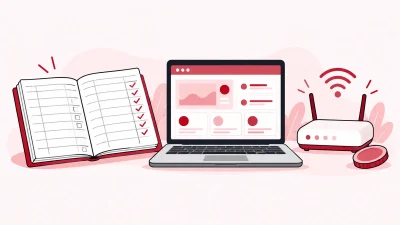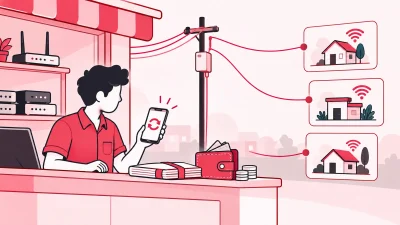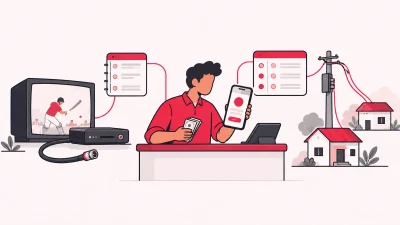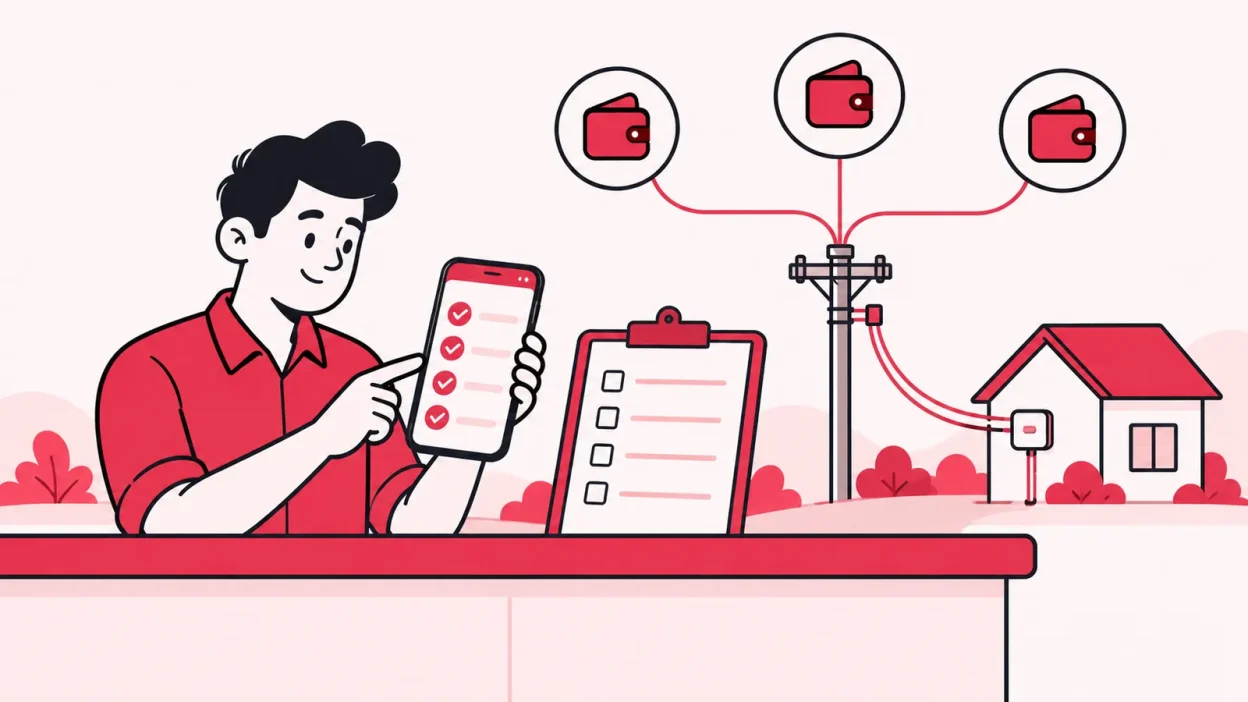
How to choose ISP billing software depends first on the work your shop actually controls: customer payments, upstream ISP recharges, partners, KYC and devices. This 12-point checklist helps you compare vendors in a demo and spot the right fit before you move live records.
Step 1: Decide whether you are a reseller or network owner
Why it matters: Software built for a network owner can focus on equipment you do not operate, while a reseller needs a clear commercial workflow around upstream ISP accounts.
Before opening a comparison table, write down what happens after a customer pays you. If another ISP owns the network, you usually need to connect its partner account, recharge the correct customer and keep your own customer and partner records straight. You may not need a platform whose first requirement is control of your own RADIUS, NAS, router or OLT.
Use this quick split:
| Your business | First software questions |
|---|---|
| You own the broadband network | Can it handle authentication, network equipment, usage and technical operations? |
| You resell another ISP’s service | Can it connect partner accounts, manage recharges, customers, wallets, KYC and stock? |
If you resell OneBroadband, GTPL or a similar upstream service, ask the vendor to show your daily shop workflow rather than a generic ISP demo. ISP Square currently connects OneBroadband and GTPL. If you resell another ISP, ask the team about that connection before choosing a plan.
Action: Describe your real journey in one sentence: “Customer pays, the upstream account is topped up, and my operator panel records the result.” Ask the vendor to demonstrate that journey.
Success looks like: You know whether you are buying reseller software or network-control software, and the demo starts with the work you do every day.
Step 2: Check the 12-point money and recharge flow
Why it matters: A billing screen is not enough if the payment is not attached to the right customer and upstream ISP account.
Use these six money checks in the demo:
- Online recharge: Can a customer pay from a web page without installing an app?
- Correct account: Does the payment top up the correct connected ISP account?
- Payment history: Can you see the customer, plan, expiry and payment together?
- Wallet ledger: Does each partner have a clear wallet and transaction history?
- Retail price: Can you set your own price for a plan at each partner level?
- Commission: Is commission posted to the correct wallet on every recharge?
UPI is one common payment route for Indian shops. NPCI’s official UPI FAQs explain the payment flow, merchant onboarding and the role of the UPI PIN. Your software still needs to show the transaction clearly after the payment step; accepting UPI alone does not prove that the billing workflow is correct.
Ask the vendor to run one successful recharge and one unclear-status scenario. For an unclear or timed-out request, you want a visible status and a way to investigate the original transaction. You do not want staff blindly sending the same recharge again.
Action: Use a test customer, confirm the plan and amount, complete one payment, then compare the customer history, operator view, wallet ledger and upstream ISP balance.
Success looks like: One payment produces one understandable record, reaches the correct ISP account and can be traced without opening several registers.
Step 3: Test the customer list and KYC ownership
Why it matters: Customer information should stay useful when you work with more than one ISP or change an upstream relationship.
The minimum customer record should show the connection, plan, expiry, payments and history. You should be able to search one customer list instead of remembering which ISP portal holds the record.
Then ask where KYC documents live. For a reseller, it is useful for KYC to be uploaded to your operator account rather than only to an upstream ISP account. ISP Square keeps uploaded KYC under the operator’s ISP Square account, so the record is designed to stay with the operator if they leave an ISP.
That is a record-keeping feature, not a legal answer. The documents and process you need can depend on your ISP, location and business structure. Confirm the exact KYC requirement with your ISP and your CA. For a wider privacy reference, read the Digital Personal Data Protection Act, 2023 from the Ministry of Electronics and Information Technology.
Action: Open a test customer, identify the ISP connection, check the plan and expiry, inspect the payment history, and view the KYC access path from both the operator and a limited user account.
Success looks like: You can answer who the customer is, which ISP serves the connection, what is due, where the KYC record sits and who can open it.
Step 4: Check partners, sub-partners and device stock
Why it matters: A local operator’s work often grows beyond direct customers. The software must keep prices, commission, people and equipment clear as your network of partners grows.
Test the three-level structure:
| Level | Minimum useful access |
|---|---|
| Operator | Connected ISP accounts, all customers, partner activity and full wallet view |
| Partner | Their own login, wallet, retail prices and assigned customers |
| Sub-partner | Their own login, wallet and customers under the partner |
The key questions are practical. Can you create a partner without sharing your main password? Can each level have its own retail price? Is the ISP cost hidden from partners? When a recharge is completed, does commission appear in the correct wallet?
Also test the device trail. Routers and ONUs can move several times before they are written off. A useful stock flow is:
Store → Partner → Installed at customer → Written off
You should be able to identify who received the device, where it was installed and whether it is still available. This is especially useful when a partner handles installations in a different mohalla from your shop.
Action: Create a test partner, assign one test customer, set a retail price, run one recharge, check the commission entry and move one sample device through the stock stages.
Success looks like: Partners work from separate logins, the right customer is assigned to the right level, the wallet record is clear and each device has a visible owner or status.
Step 5: Review safety, permissions and the audit trail
Why it matters: Billing software holds payment history, KYC and upstream account access. Small controls prevent a shared password or unclear ledger from becoming a shop-wide problem.
Ask the vendor to show these six controls:
- Encrypted credentials: ISP passwords should be stored securely and not shown again to every staff member.
- Scoped staff logins: Staff should see only the screens needed for their work.
- Action log: You should be able to review who performed an action.
- Append-only ledger: Wallet history should remain a traceable record instead of being silently overwritten.
- Safe timeout handling: An unclear recharge should be investigated before any retry.
- Role separation: A partner or staff user should not automatically inherit the operator’s full access.
These are easy to claim and easy to test. Ask a staff member to complete a safe test action, then view the result from the operator account. Open the wallet before and after a test recharge. Ask what the system displays when a request does not receive a final response.
ISP Square stores connected ISP passwords encrypted and does not show them again. Its wallet ledger is append-only, and a timed-out recharge is not blindly retried. The practical benefit is a clearer trail for the owner and less dependence on one shared shop password.
Action: Run one test action from a limited staff login, inspect the action log, and compare the wallet entries before and after a recharge.
Success looks like: You can delegate routine work without handing over the operator password, and you can explain each important wallet or customer change later.
Step 6: Check the software’s own billing and support terms
Why it matters: A low-looking subscription can still be difficult to manage if billing periods, invoices, plan changes or refunds are unclear.
Ask for the complete software bill, not just a monthly headline. Check:
- Which billing periods are available: monthly, quarterly, half-yearly or yearly?
- Is there a GST invoice for each app payment?
- Can you choose auto-pay or manual payment?
- What happens to unused days after a plan change?
- What is the refund rule for a first payment and for a renewal?
- Which support channel should you use for a recharge or account question?
ISP Square supports monthly, quarterly, half-yearly and yearly billing, GST invoices, auto-pay or manual payment, and credits unused days when you change plan. Its stated refund policy gives a full refund within 7 days of the first payment; renewals are not refunded once started. Read the refund policy before paying.
For your own tax workflow, ask your CA which invoice fields and records apply to your business. CBIC’s tax invoice rules list particulars such as supplier details, a consecutive invoice number, date, description, value and tax details. The software can provide an invoice, but it does not replace your CA’s advice.
Action: Open the current pricing page, read the billing and refund terms, download or inspect a sample GST invoice, and ask support one real question before you commit.
Success looks like: You understand what you will pay, how the billing period works, where the invoice is kept and what happens if you change your mind.
How ISP Square scores on this checklist
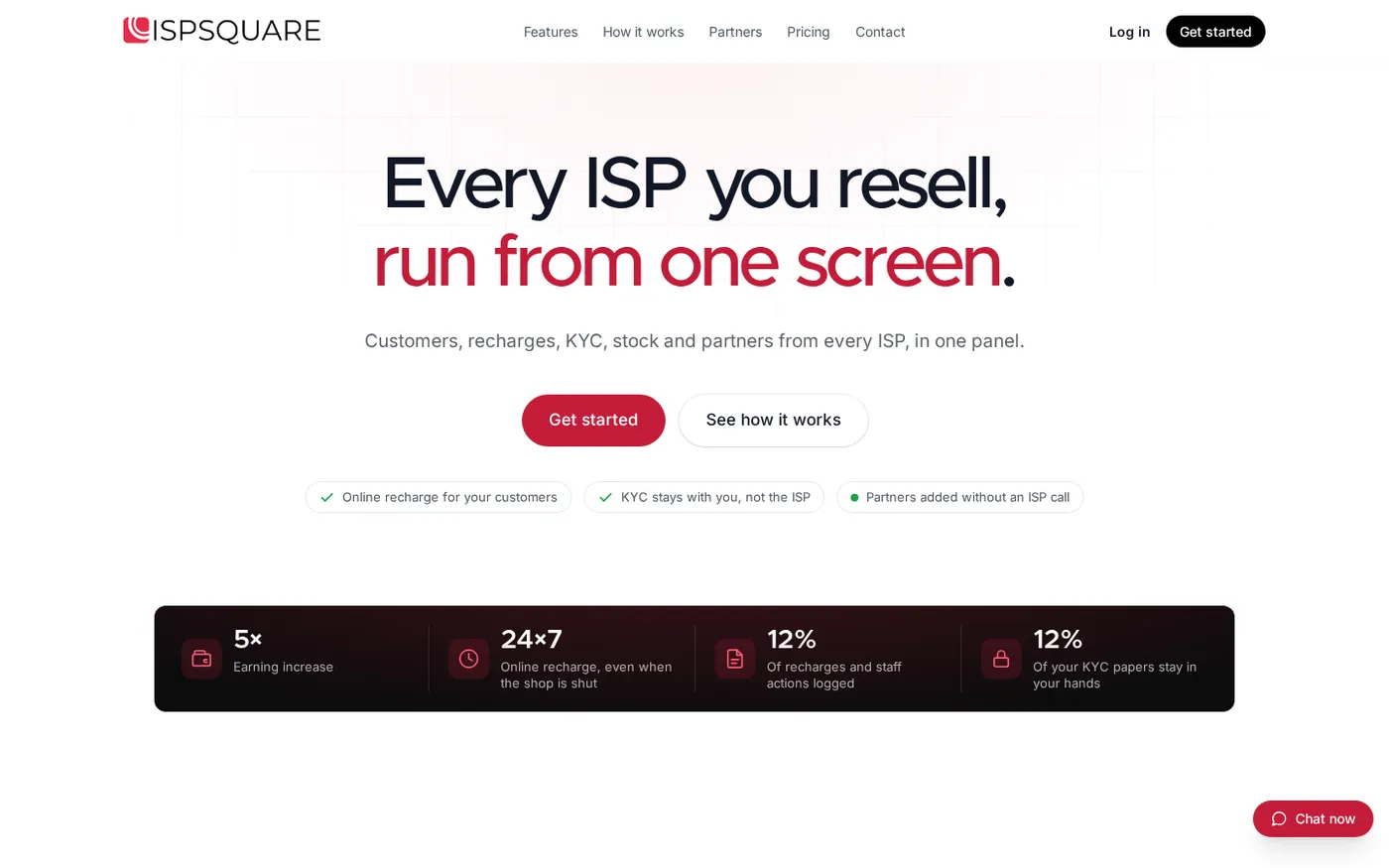
For an operator who resells several upstream ISPs, ISP Square matches the checklist because it is organised around the reseller’s commercial work. It connects ISP partner accounts, keeps one customer list, provides an online recharge page, stores KYC under the operator account and tracks devices through the shop and partner flow.
It also provides a three-level operator, partner and sub-partner structure. Each level can have its own login, wallet, customers and retail prices. Commission is posted to the relevant wallet on a recharge, while the ISP cost can stay hidden from partners.
The Growth product is the natural fit for operators reselling several ISPs and managing partners or sub-partners. Plans start low—see the current pricing before you decide, because the live pricing page is the current reference.
For a broader explanation of the reseller model, read ISP Billing Software India: A Reseller’s Practical Guide. You can also review the site’s features and trust and control points before booking your own demo.
Your final buying scorecard
Give each item a pass, needs-demo or no-answer mark. Do not choose on the number of menu items alone.
| Check | Pass condition |
|---|---|
| Reseller fit | The workflow matches an operator who resells an upstream ISP |
| ISP connection | Your actual partner account can be connected and identified |
| Recharge | A customer can pay online and the correct ISP account is topped up |
| Customer data | Connection, plan, expiry, payment and history are together |
| KYC | Documents sit under the operator account with controlled access |
| Partner tree | Operator, partner and sub-partner logins are separate |
| Wallets | Retail price and commission are clear at each level |
| Stock | Devices move from store to partner to installation to write-off |
| Safety | Credentials, staff permissions and action logs are explained |
| Timeout handling | An unclear recharge is checked before any retry |
| App billing | Invoice, billing period, plan change and refund terms are clear |
| Support | You know where to send a real account or recharge question |
If a vendor cannot show one of these workflows, write down the gap and ask for a direct answer. A short, clear demo is more useful than a large feature list that belongs to a different type of ISP business.
FAQ
What is the most important feature in ISP billing software?
For a reseller, start with the connection between customer payment and the correct upstream ISP recharge. Then check the customer list, partner wallet, KYC ownership and action history around that payment.
Does a reseller need RADIUS or router control?
Not always. Those features matter most when you own the network equipment and authentication layer; if another ISP operates that layer, focus first on recharges, records, partners and stock.
Can one panel manage multiple ISP partner accounts?
That is an important requirement when you resell more than one ISP. ISP Square currently connects OneBroadband and GTPL and brings customers, plans and balances into one panel; ask the team about any other ISP you resell.
Where should broadband KYC documents be stored?
Ask whether documents are stored under your operator account, who can access them and whether staff actions are logged. The exact documents and retention process depend on your ISP and business situation, so confirm them with your ISP and CA.
How do I compare ISP billing software prices fairly?
Compare the full cost: billing period, GST invoice, payment fees if any, setup or migration work, support and the staff time the software removes. Review the current ISP Square pricing immediately before choosing because plan details can change.