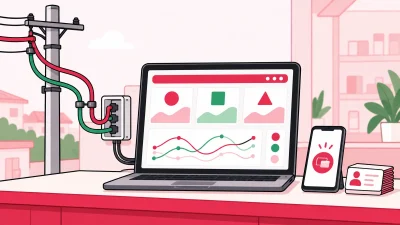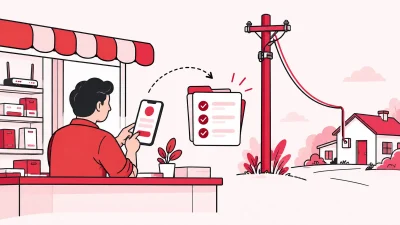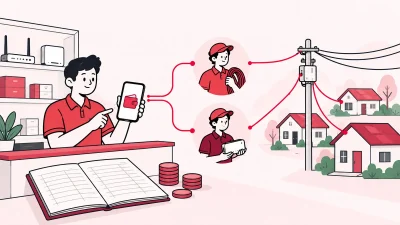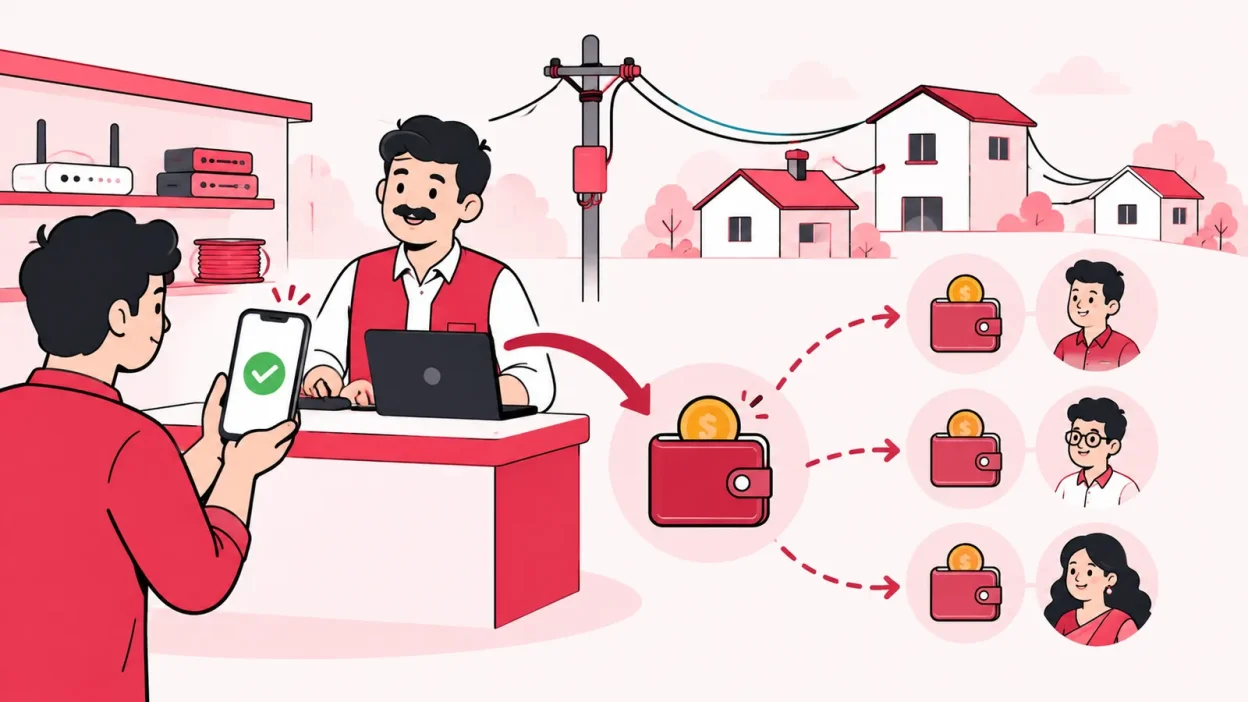
Sub lco commission software helps you set a clear price at each partner level and record the margin when a broadband customer recharges. The practical goal is simple: your operator wallet, partner wallet and sub-partner wallet should all show the right entry for the same successful recharge.
If you are still calculating commission in a notebook at month-end, start with the rule behind the calculation. Then put that rule into a partner wallet system so every sale has a customer, plan, price, commission and balance history attached to it.
What you need before setting commission
You do not need a complicated formula. You need four agreed inputs for each broadband plan:
- The amount your upstream ISP account is charged for the recharge.
- The price or buy rate assigned to your partner.
- The price or buy rate assigned to the sub-partner, if you have another level.
- The final amount the customer pays.
Write these rates down before you add a partner. Also decide whether a partner can choose a retail price inside a range or whether you will set one fixed price. Do not copy a percentage from another operator. Your upstream agreement, plan, taxes and local market should decide the actual rate. Public partner programmes use their own revenue-share terms; for example, Airtel describes revenue share as part of its broadband partner programme, while Jio says wallet credit follows the applicable partner terms. See the official Airtel partner page and Jio partner-recharge FAQ for examples of why the agreement matters.
For a small shop, a simple sheet with these columns is enough to start:
| Field | What to record |
|---|---|
| Plan | The upstream plan name and validity |
| ISP cost | What your connected ISP account is charged |
| Partner price | The amount used when your partner sells the plan |
| Sub-partner price | The amount used when a sub-partner sells it |
| Customer price | The amount shown to the customer |
| Commission rule | Difference, fixed amount or another agreed rule |
The sheet is for deciding the rule. It should not remain your final ledger once you have many partners and daily recharges.
Step 1: How commission is usually worked out
Why this matters: a commission dispute normally starts when people use different meanings for “commission”.
For a price-difference model, use this basic formula:
Commission at a level = price charged by the next level - that level's buy priceThe customer-facing price is the last price in the chain. The upstream ISP cost is the first cost. The space between them is the total margin available for the operator, partner and sub-partner according to your rules.
Take these actions:
- Choose one plan and one recharge amount.
- Write the upstream ISP cost first.
- Add the operator-to-partner price, then the partner-to-sub-partner price.
- Add the customer price last.
- Check that the individual margins add up to the customer price minus the ISP cost.
Success looks like one calculation that every person in the chain can read without asking what “20% commission” means. If your agreement uses a percentage or a fixed amount instead, write that rule clearly and test it against one successful recharge before using it for all plans.
Step 2: Where the disputes come from
Why this matters: a notebook usually shows a final total but not the event that created it.
Common causes of arguments include:
- A partner remembers the price from last month, while the operator changed the plan price.
- A cash recharge was collected but not marked as successful in the ISP account.
- A customer paid online at one price, while the partner calculated commission at another.
- A renewal was counted twice after someone retried a slow payment manually.
- The operator has a total wallet balance but no partner-wise list of entries.
- A cancelled or corrected recharge is mixed with successful recharges.
The fix is to make the recharge the source event. Each successful recharge should create one traceable record with the customer, plan, amount, seller, time, ISP account and wallet entries. A correction should be a new ledger entry, not an edited old number.
Do not settle only from memory at the end of the month. At month-end, use the report to check totals and pay or collect any amount that your agreement requires. The commission should already have been calculated when the recharge succeeded.
Step 3: Retail price per level, explained
Why this matters: a three-level partner tree needs three visible roles, but partners should not need to see your upstream ISP cost.
In a practical structure, you are the operator at the top. A partner works under you. A sub-partner works under that partner. Each person has their own login, wallet and customer list. You can set a different retail price for the same plan at each level, while keeping the upstream cost in the operator view.
Use these rules when setting prices:
- Set the operator’s buy or base cost from the connected ISP account.
- Set the price available to the partner.
- Set the price available to the sub-partner, if used.
- Set the maximum customer price or the exact customer price.
- Confirm that each lower level has a clear margin and that the final price is acceptable in your area.
The price should move in one direction. A child level should not receive a lower buy price than its parent unless that is an intentional promotion you can explain. Keep the rule per plan. A 100 Mbps plan and a 200 Mbps plan do not need the same rupee margin.
This is also why a single ISP portal can become difficult for a growing reseller. When you work with several upstream accounts, you need one view of your customers and partners, not a separate notebook for each login. ISP Square’s partner section shows the operator → partner → sub-partner structure used for this workflow.
Step 4: A worked example in ₹
Why this matters: a real rupee example makes the rule easier to explain to a new partner.
Assume this is one monthly broadband recharge. The numbers below are only a worked example; use your own upstream agreement and plan prices in practice.
- ISP cost charged to your operator account: ₹500
- Price available to the partner: ₹520
- Price available to the sub-partner: ₹545
- Final customer price: ₹600
The calculation is:
| Level | Amount used in the sale | Commission retained at that level |
|---|---|---|
| Upstream ISP cost | ₹500 | — |
| Operator price to partner | ₹520 | ₹520 − ₹500 = ₹20 |
| Partner price to sub-partner | ₹545 | ₹545 − ₹520 = ₹25 |
| Sub-partner price to customer | ₹600 | ₹600 − ₹545 = ₹55 |
| Total customer margin | ₹600 | ₹20 + ₹25 + ₹55 = ₹100 |
The customer pays ₹600. The connected ISP account is charged ₹500. The remaining ₹100 is split by the three price gaps: ₹20 for the operator, ₹25 for the partner and ₹55 for the sub-partner.
This is easier to audit than saying “the sub-LCO gets 9.16%”. The ₹55 entry remains understandable even if you later change the customer price or add a new plan. If you use a percentage model, show the percentage, the base amount and the final rupee result in the same report.
Step 5: Commission in ISP Square wallets
Why this matters: the calculation is useful only when the result reaches the correct wallet and can be checked later.
ISP Square is designed for a three-level tree: operator → partner → sub-partner. Each level has its own login, wallet and customers. You can set your own retail price per plan per level; the ISP cost stays hidden from partners, and commission is posted to each wallet on every recharge.
The practical flow is:
- A customer opens the online recharge page or asks a partner to renew the connection.
- The recharge is confirmed against the connected ISP account.
- The customer payment and plan details are recorded.
- The operator, partner and sub-partner margins are posted to the correct wallets according to your price rule.
- Each person sees the entry permitted for their role, while you retain the wider operator view.
This matters when you have OneBroadband and GTPL accounts, or another ISP you want to discuss connecting. ISP Square currently connects OneBroadband and GTPL; tell the team which ISP you resell if yours is different.
The money history stays clear. ISP Square uses an append-only wallet ledger, records staff actions and gives each recharge a clear status history. That gives you a clear question to answer when a partner says, “My commission is missing”: was the recharge successful, which price rule was active, and which wallet entry was created?
Plans start low — see current pricing for the live options. The published pricing page and signup flow can change, so check the current page before you choose a plan.
A simple monthly commission check
Once your price rules are active, use this short routine each evening or at least each week:
- Filter successful recharges by partner and date.
- Compare the total customer amount with the upstream ISP recharge total.
- Check that every partner-level commission has a wallet entry.
- Check failed, pending and corrected transactions separately.
- Ask the partner to verify a few customer records, not just the total amount.
If the totals do not match, stop and find the individual recharge. Do not add a manual lump sum labelled “commission” unless your written process requires it. A line-by-line entry is easier to explain, reverse or reconcile.
How to choose sub-LCO commission software
Look for these capabilities before you move away from a notebook:
- A three-level partner tree with separate logins and wallets.
- Retail price per plan and per level.
- Commission credited on each successful recharge.
- Customer and plan details attached to the wallet entry.
- A ledger that preserves the history of corrections.
- Staff permissions and an action log.
- One customer view across the ISP accounts you resell.
- An online recharge page that tops up the connected ISP account.
Generic ISP billing suites are often built for a network owner managing its own access equipment. A reseller needs a simpler control panel for upstream partner accounts, customer collections, partner wallets and local margins. ISP Square is made for that reseller workflow, with a single panel for every ISP you resell.
FAQ
What is sub-LCO commission software?
It is software that manages a reseller hierarchy and records the margin due to each level when a broadband customer recharges. Instead of adding totals in a notebook, you define prices per level and keep wallet entries linked to successful transactions.
How do I calculate broadband partner commission?
First confirm the upstream ISP cost, then subtract the relevant level’s buy price from the price charged by the next level. In a price-difference model, the margins across the operator, partner and sub-partner should add up to the customer price minus the ISP cost.
Should a sub-partner see the ISP cost?
Not always. If you control the partner network, you can show each level its own buy price, customer price and commission while keeping the upstream ISP cost in the operator account. Agree this structure in writing before onboarding partners.
Can commission be paid on every recharge instead of month-end?
Yes, if your system posts the commission when the recharge is confirmed and the wallet rules are active. Month-end reports can then be used for checking and settlement instead of doing the entire calculation from memory.
Does ISP Square support more than one ISP account?
Yes. ISP Square connects OneBroadband and GTPL today, and the product is built for operators who resell several upstream ISPs. If you resell another ISP, contact the team to discuss it rather than assuming support.