Becoming a One Broadband partner can help you sell broadband in your local area, but the important terms are confirmed during the partner discussion. This guide shows you how to contact the official team, what to ask about area coverage, devices and payments, and how to prepare your shop before you take your first customer.
What a One Broadband partner does
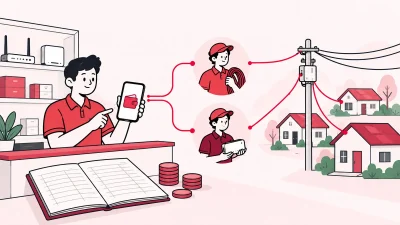
A partner is a local business contact for broadband sales and customer handling. In a small shop, that can mean finding customers, explaining available plans, helping with the application, coordinating installation, and guiding customers when they need a recharge or support.
Do not assume that every partner has the same job. One Broadband may separate sales, installation, service support and collection responsibilities by area or partner type. Ask whether you are being considered as a franchisee, a local partner, a reseller, or another category, and ask for the duties in writing.
The official site uses both broadband and franchise language. Its FAQ includes a question about becoming a franchisee and directs interested people to register their interest for a discussion with the business team. That is useful confirmation that you should start with an official enquiry, not a message from an unknown agent.
What you need before you contact One Broadband
Prepare a short, clear description of your business. The team can then check your area and understand the opportunity faster.
- Your name, mobile number and email address.
- Your shop or office address, pincode, city and state.
- The neighbourhoods or buildings where you can sell and support customers.
- Whether you already run a cable, broadband, computer or mobile-recharge shop.
- Your expected customer base and the local languages you can support.
- Any fibre, installation or field-support experience you already have.
- A list of the documents you can provide if the team asks for business or identity verification.
You do not need to guess the document list, deposit or equipment budget. Ask One Broadband for the current checklist for your area. Keep scans and paper copies organised, but share them only through an official channel after you understand why each document is required.
Step 1: Check whether your area is serviceable
Why this matters: a partner plan is useful only when the ISP can serve the buildings and streets you want to cover.
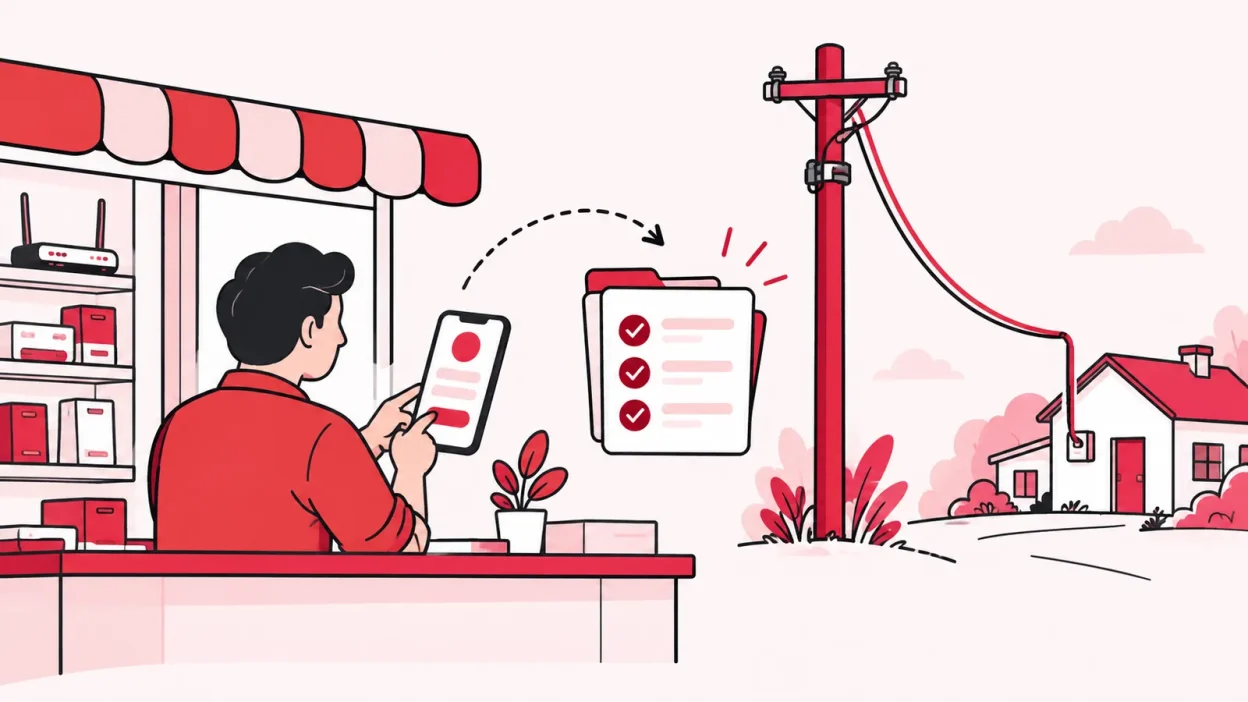
Start with your exact pincode, locality and nearby landmarks. The official One Broadband FAQ says that a location feasibility check is part of the connection process. That does not tell you that your shop is approved for partnership, so ask the business team to check both network availability and partner availability.
Make a simple area note before you call:
| Item | Write down |
|---|---|
| Main locality | The mohalla, society, market or village you want to cover |
| Pincodes | Every pincode in your proposed service area |
| Customer type | Homes, shops, offices, societies or a mix |
| Existing access | Your shop, staff, tools and local contacts |
| Nearby demand | People asking for broadband or better service |
Avoid promising a customer an installation date before the ISP confirms feasibility. First collect the location, then let the official team confirm what can be sold there.
Step 2: Contact One Broadband through official channels
Why this matters: partner terms can change by location, so use a channel that belongs to One Broadband and keep a written record.
Use the One Broadband partner portal if you have been given access or an official registration route. You can also use the partnership enquiry shown on the official site. For a direct follow-up, the One Broadband contact page lists partner care at care@onebroadband.in.
In your first message, include:
- That you want to become a One Broadband partner or franchisee.
- Your name, mobile number, email and business name.
- Your full service area, pincode and city.
- What your shop currently does and how you plan to sell broadband.
- The number of buildings or local clusters you want to approach.
- A request for the current partner process, commercial terms and document list.
Use a subject such as Partner enquiry – [locality], [city], [pincode]. Save your sent email, registration reference and every reply. If someone calls claiming to represent the ISP, ask them to confirm the next step through an official One Broadband email address before you pay or share sensitive documents.
Step 3: Ask questions before you sign
Why this matters: a verbal promise about margin or territory is difficult to check later. Ask for the answer, the calculation and the responsible contact in writing.
Use this checklist in your call or meeting:
| Area | Questions to ask |
|---|---|
| Coverage | Which pincodes and buildings can I serve? Is a survey or feasibility check required? |
| Partner type | Am I a franchisee, reseller, sales partner or another partner category? What work is mine? |
| Territory | Is my area exclusive, shared or first-come? What does the agreement say? |
| Money to start | Is there an application fee, deposit, minimum wallet balance or other upfront amount? |
| Devices | Who supplies the router, ONU, fibre, tools and installation material? Who owns each item? |
| Customer billing | Who sets the plan price, collects the payment and issues the customer receipt? |
| Earnings | Is the model commission, revenue share, a fixed margin or something else? When is it paid? |
| Support | Who handles installation, faults, replacement devices and customer escalations? |
| Customer records | Who stores KYC and customer information, and how can you access records for support? |
| Agreement | What is the term, renewal process, termination process and return process for devices or stock? |
The official partnership page describes marketing and customer or sales support and refers to a revenue-sharing model. Treat that as a description of the programme, not as a guaranteed percentage for every area. Ask the team to show your exact calculation with a sample customer recharge.
A simple margin example to request
Do not fill in numbers from a WhatsApp message or a different city. Ask the team to complete a worked example like this:
| Example field | Amount or answer from One Broadband |
|---|---|
| Customer plan price | Confirmed current amount |
| Tax and other charges | Confirmed treatment |
| ISP share | Confirmed amount or percentage |
| Your share | Confirmed amount or percentage |
| Payment date | Daily, weekly, monthly or another cycle |
| Adjustments | Refunds, cancellations, device charges or other deductions |
This gives you something practical to compare with your shop costs. It also makes unclear terms visible before you commit money.
Step 4: Set up your shop after approval
Why this matters: a clean local process prevents missed applications, missing devices and confused customer follow-ups.
Set up four small registers, either on paper or in software:
- Leads: name, phone, address, building and enquiry date.
- Applications: feasibility status, documents received and next action.
- Installations: assigned technician, device details, installation date and customer acknowledgement.
- Recharges and support: payment reference, expiry date, issue and resolution owner.
Keep a separate device record. When a router or ONU reaches your shop, record its serial number, condition and ownership. When it moves to a staff member, partner or customer, record that handover. If a device comes back, record the date and condition again.
Create one customer promise that your staff can follow: what you sell, when the ISP confirms feasibility, who installs it, how the customer recharges, and where to raise a support request. Do not promise a speed, installation time, discount or refund unless it is in the current One Broadband terms.
Step 5: Organise online recharges and local partners
Once your partner account is active, decide how customers will pay and how you will follow up before expiry. UPI, cash and phone calls can all exist in a local shop, but every payment needs a reference and a clear status.
If you later add people under your business, define who can see customers, accept payments, issue a device and change a record. Start with one owner and one backup person. Review the wallet and payment records regularly so you can match a customer payment with the ISP account and your own books.
Running One Broadband with ISP Square
If you resell One Broadband and another supported ISP, separate portals can make daily work harder. ISP Square is designed for operators who connect ISP partner accounts and want one customer list, one recharge workflow and one place for partner operations. The brief for the product confirms OneBroadband and GTPL as the current connected ISPs.
With ISP Square, you can:
- Connect your ISP partner accounts and keep customers, plans and balances together.
- Give customers a web recharge page, without asking them to install an app.
- View each customer’s connection, plan, expiry, payments and history.
- Upload KYC to your operator account so the record stays with your business if you change an ISP.
- Track stock from store to partner to customer installation and write-off.
- Create an operator, partner and sub-partner tree, with separate logins and wallets.
- Set your own retail price per plan and level, while commission is posted to the relevant wallet on recharge.
- Give staff limited screen access and keep an action log.
See how the operator workflow works, then check the current plans. Plans start low, but confirm the current offer on the live page before choosing one.
Verify your setup before the first sale
Use this final check with your One Broadband contact:
- Your partner category and service area are written down.
- Your commercial calculation includes payment dates and adjustments.
- Device ownership, deposit and return rules are clear.
- Installation and support contacts are named.
- The customer application and KYC flow is confirmed.
- Your shop has a lead, application, device and recharge register.
- Staff know what they can promise and who approves exceptions.
- You have tested a customer payment and recorded its reference.
If any answer is unclear, send a short email listing the open questions. A written reply is more useful than relying on memory after a long call.
Troubleshooting common application problems
No reply to your first enquiry: send one polite follow-up with your locality, pincode and original message. Use the official contact page or partner-care email again, and keep the date of each follow-up.
The area is not yet confirmed: ask whether the next step is a network feasibility survey, a building-level check or a business-team review. Do not treat a general “network available” message as approval for your partner application.
The margin sounds attractive but is not documented: ask for the sample calculation, payment cycle and adjustment rules. Do not plan your monthly shop costs until those details are clear.
You are asked for money before terms are shared: pause and ask for the official agreement, invoice or payment instructions. Verify the recipient through One Broadband’s official contact channel.
Customers are ready but your process is messy: start with a small area, keep one customer register and record every device and payment. Add partners only after the basic handover and recharge process works.
FAQ
How do I become a One Broadband partner?
Start through the official One Broadband partner or franchisee enquiry route. Share your business details, exact area and pincode, then ask the business team for the current application process, document list and commercial terms.
Is One Broadband franchise available in my city?
It depends on the area and the current business review. Ask One Broadband to check both network feasibility and partner availability for your exact pincode instead of relying on a generic city list.
How much money is needed to become a One Broadband partner?
There is no single amount you should assume for every area. Ask about application fees, deposits, wallet balance, devices, installation material and any minimum commitment, and request the answer in writing before paying.
What devices do I need for a One Broadband business?
Ask who supplies the router or ONU, fibre and installation tools, and who owns them after handover. Also confirm serial-number records, replacement responsibility, customer return rules and charges before you accept stock.
Can I manage One Broadband and another ISP together?
Yes, ISP Square is built for operators connecting supported ISP partner accounts in one panel. It currently connects OneBroadband and GTPL; if you resell another ISP, tell the ISP Square team which ISP you resell so they can confirm the current fit.