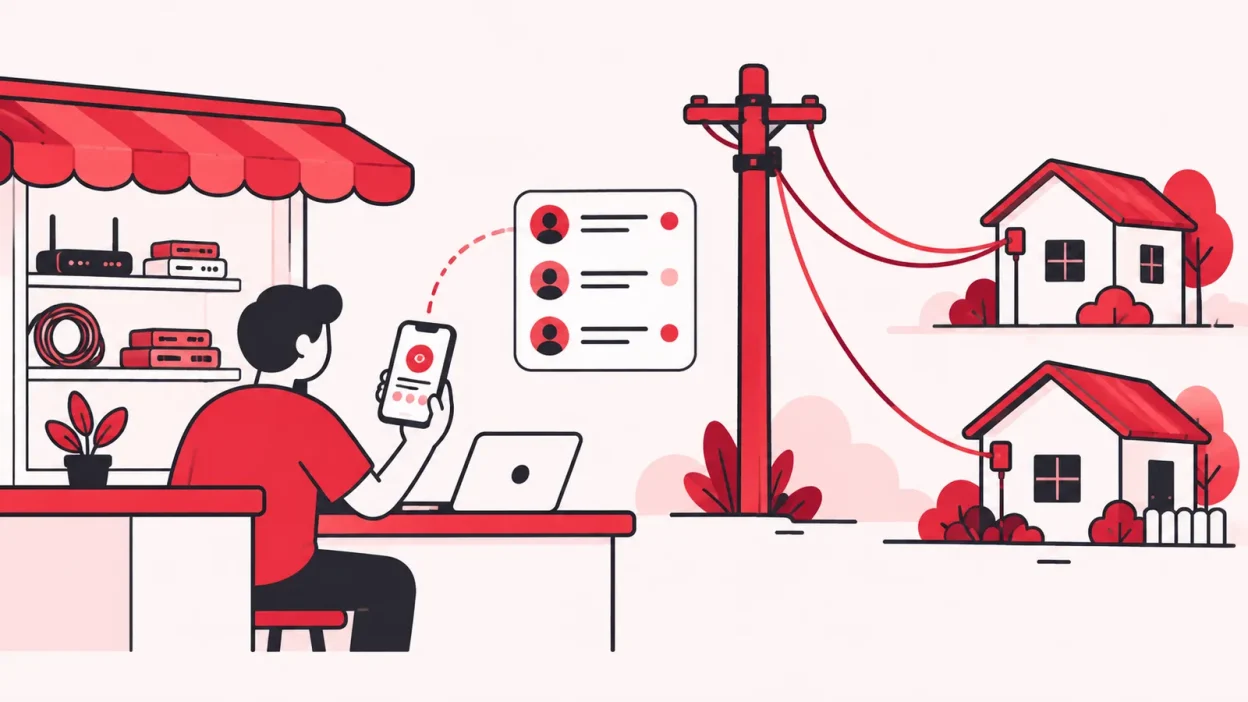
A subscriber management system for broadband keeps customer, connection, plan and payment work organised around an internet service. The important question for a local operator is where the ISP’s system ends and where your own reseller work—recharges, KYC, partners and devices—begins.
SMS in cable TV vs broadband
SMS usually means Subscriber Management System, not text messaging, in cable and broadband software. But the phrase changes meaning depending on who owns the network.
In digital cable TV, an SMS is part of the addressable system. It keeps subscriber and package information and works with the Conditional Access System (CAS) for actions such as activation and deactivation. TRAI’s cable-TV regulations and resources describe the CAS and SMS requirements for distributors of television channels. The current consolidated rules also require records and logs around the addressable system, so this is a formal TV-distribution use of the term.
In broadband, a subscriber management system is a wider business and service layer. It may bring together subscriber records, plans, billing, payments, account status and service information. A large ISP may connect this layer to its network systems. A local reseller usually does not own that network layer, so it needs a panel around the ISP partner account instead.
| Question | Cable TV SMS | Broadband subscriber system | Reseller panel |
|---|---|---|---|
| Main job | Manage TV subscribers, packages and service access | Manage internet subscribers, plans and account activity | Manage the operator’s customers, recharges and partner business |
| Works with | CAS, set-top boxes and channel packages | ISP billing and network-service systems | Connected ISP partner accounts |
| Who normally controls it | MSO or TV distributor | ISP or network owner | Local operator or reseller |
| What you see | Package, STB, subscriber and activation records | Connection, plan, payment and service records | One customer list, recharges, KYC, wallets, partners and stock |
That is why a cable operator searching for “SMS full form cable” may find TV software, while a broadband reseller searching for the same phrase may need a commercial operating panel. The abbreviation is the same; the system boundary is different.
What the ISP’s system controls
The upstream ISP owns the service relationship that your customer uses. Its system is the source for the connection identifier, available plans, service account and the balance or recharge state exposed to the partner.
Think of it as the service layer. When a customer chooses a broadband plan, the ISP’s system knows which service account and plan are involved. When a recharge is accepted, that upstream account is the account that must receive the top-up.
For an operator, the useful questions are practical:
- Which ISP partner accounts can I connect?
- Which plans and balances are available for each account?
- How does a recharge reach the correct upstream account?
- Where can I see the customer, plan, expiry and payment history together?
- What happens if a payment or recharge takes time to confirm?
The answer is not always a new network-control system. If you resell OneBroadband, GTPL or another upstream service, the ISP normally remains responsible for its own network and service systems. The local operator needs a clear business layer that reflects the upstream result without pretending to replace it.
The Department of Telecommunications’ ISP overview describes internet service providers as organisations that offer internet services through technologies such as fibre, DSL and wireless broadband. For a reseller, the key point is ownership: the service provider’s systems and the operator’s day-to-day customer workflow are related, but they are not automatically the same system.
What the operator still needs to manage
An upstream ISP portal can show the service account. It may not show the complete story of your shop: who collected the money, which partner handles the customer, where the ONU went, or where the KYC document is stored under your business account.
Your own operator layer should cover six areas.
1. One customer record
Keep the customer, connection, ISP, plan, expiry, payments and history in one record. If you resell more than one ISP, keep the ISP visible instead of making staff guess which portal contains the connection.
For example, suppose two households in the same mohalla have similar names. The operator record should let you confirm the mobile number, connection identifier, installation address and upstream ISP before starting a recharge. A name-only search is not enough.
2. Recharge and collections
Customers should have a web page where they can pay online without installing an app. After a successful recharge, the relevant ISP account is topped up and the operator can see the result.
The payment trail should answer three questions:
- Which customer and connection was selected?
- Which ISP account received the recharge?
- What status and history should the operator trust?
If a recharge times out, check its status and history before trying again. A system that blindly retries can create confusion about whether the customer paid twice. The safer workflow is to check the existing result and then follow the support process if it needs attention.
3. KYC under the operator account
KYC is part of the customer record, not just a file in someone’s phone. Follow the current process given by the relevant ISP and ask your CA or ISP when a compliance question needs professional advice.
In ISP Square, KYC is uploaded to the operator’s ISP Square account rather than the ISP account. The record stays with the operator if they leave an ISP. That makes the operator’s data layer useful even when an upstream business relationship changes.
4. Partners, sub-partners and wallets
If you sell through other people, a subscriber system alone is not enough. You need the commercial structure around the subscriber:
Operator → Partner → Sub-partner
Each level can have its own login, wallet and customer list. You can set a retail price per plan at each level, keep the ISP cost hidden from partners and post commission to the correct wallet on every recharge.
This is different from giving every person access to the ISP’s account. A partner should see the customers and wallet information needed for their work, while the operator keeps control of the overall business view.
5. Stock and devices
The router or ONU is part of the connection’s story. Track it through a simple path:
Store → Partner → Installed at customer → Written off
This helps when a device is handed to a partner, installed at a new customer or removed from usable stock. Keep the device trail with the customer and partner records so staff do not have to search a separate register.
6. Staff access and audit
Small shops often start with one login. As the team grows, individual staff logins with screen-level scope make handovers clearer. Every action should be logged so you can see what changed and who handled it.
ISP passwords should be stored encrypted and should not be shown again. A wallet ledger should be append-only, so a new correction creates a trace instead of quietly rewriting the old entry.
How a reseller panel connects to the ISP system
A reseller panel sits above the upstream ISP accounts. It organises the local work, sends or records the right action for the right account, and brings the result back into the operator view.
The workflow looks like this:
- The operator connects an ISP partner account.
- Customers, plans and balances from connected accounts appear in the operator’s customer view.
- A customer opens the online recharge page and selects the correct connection.
- The recharge is sent to the relevant ISP account.
- The operator sees the payment result and the customer history.
- The partner wallet and commission record are updated for the sale.
In ISP Square, connected ISP partner accounts, customers, plans and balances sync every minute. ISP Square currently connects OneBroadband and GTPL; if you resell another ISP, tell the team which ISP you use and confirm the connection before planning your workflow.
This is also why a reseller panel should not be described as a replacement for the ISP’s network system. It gives you one place to run the reseller business around the upstream account. The ISP remains the source of the service relationship and network-side controls.
For a real example of the multi-ISP problem, read OneBroadband partner login: run it with GTPL. The useful idea is not to hide the ISP difference; it is to keep that difference visible inside one operator workflow.
How to choose the right layer
Start with the work you actually control, not the longest feature list.
| Your situation | System layer to prioritise | What to check first |
|---|---|---|
| You own the broadband network | ISP or network-management system | Service accounts, network controls, plans and billing integration |
| You resell one ISP from a shop | Reseller panel or focused billing workflow | Customer list, online recharge, KYC and payment history |
| You resell several ISPs | Multi-ISP reseller panel | One search, visible ISP labels and correct account-level recharges |
| Partners sell connections for you | Partner and wallet layer | Three-level logins, retail prices, commission and customer ownership |
| Staff share customer work | Access and audit layer | Individual logins, screen scope and action history |
| You issue routers or ONUs | Stock layer | Store-to-customer movement and written-off status |
Ask a vendor to demonstrate the complete path, not only a dashboard:
- Add or find a customer from each ISP you resell.
- Show the plan, expiry, payment and history for the correct connection.
- Start a recharge and show which upstream account receives it.
- Show what the operator sees when the result takes time to confirm.
- Open the KYC, partner, wallet and device records.
- Sign in as a staff member and show the screens and action log available to that person.
The right system is the one that makes the next shop-counter decision clear. A reseller does not need to buy network-owner software just because it uses the words “subscriber management”. It needs the layer that connects the customer’s payment and service record to the operator’s actual work.
Where ISP Square fits
ISP Square is a reseller-focused subscriber management layer for operators who connect one or more ISP partner accounts. It brings customers, plans and balances into one view, provides a browser-based recharge page and keeps the surrounding operator work—KYC, stock, partners, wallets and staff permissions—in the same business context.
The product is especially relevant when you manage several upstream accounts or a partner tree. You can keep one customer list across connected ISPs, set your own retail price per plan and level, hide the ISP cost from partners and post commission to each wallet on recharge.
The app itself can be billed monthly, quarterly, half-yearly or yearly, with a GST invoice and auto-pay or manual payment options. A plan change credits unused days, and the refund policy covers a full refund within seven days of the first payment; renewals are not refunded once started. Read the ISP billing software guide for Indian resellers for the wider day-to-day checklist.
Plans start low—see current pricing before choosing. If your business is built around one or more ISP partner accounts, a reseller panel is the practical bridge between the upstream subscriber system and your shop counter.
Common mistakes
Treating SMS as only text messaging
In this context, SMS usually means Subscriber Management System. It is a record and service-management layer; a text message is only one possible notification method and is not the definition of the system.
Expecting a reseller panel to control the ISP network
A reseller panel can organise customers and recharges around a connected partner account. It does not turn the local shop into the owner of the ISP’s network equipment or service controls.
Keeping one customer list per ISP
Separate portals may be required upstream, but separate shop registers make customer search and payment history harder. Keep the upstream ISP visible while giving staff one operator view.
Leaving partner commission in a notebook
If partners sell connections, record the retail price, wallet movement and commission with the recharge. A separate notebook makes it difficult to match the commercial entry to the customer and ISP account.
Saving KYC and device details in personal chats
Use the authorised operator workflow and restrict access to staff who need it. A customer record is more useful when the document status and device assignment can be found without searching a private phone.
FAQ
What is the SMS full form in cable TV?
SMS stands for Subscriber Management System. In digital cable TV, it manages subscriber and package information and works with the Conditional Access System for service actions.
What is a subscriber management system for broadband?
It is a system or connected set of systems that keeps broadband subscriber, connection, plan, billing and service information organised. For a local reseller, the useful layer also includes online recharge, KYC, partners, wallets, devices and staff access.
Is a broadband SMS the same as a cable TV SMS?
No. Both use the same abbreviation, but cable TV SMS is tied to addressable television services and CAS, while broadband software usually covers internet subscriber and service workflows. A reseller panel adds the local business layer around an upstream ISP account.
Does a broadband reseller need a subscriber management system?
A reseller needs some reliable way to manage customers, plans, payments and service records. A reseller-focused panel becomes more useful when you manage multiple ISP accounts, partners, KYC and routers or ONUs.
Can I manage OneBroadband and GTPL in one panel?
ISP Square currently connects OneBroadband and GTPL partner accounts and keeps the connected customer, plan and balance work in one operator view. Confirm support for any other ISP before signing up.