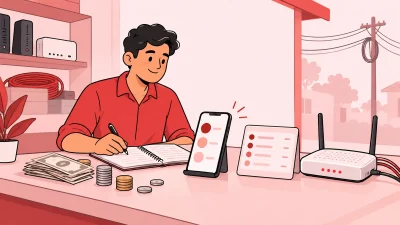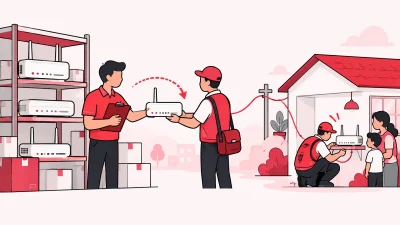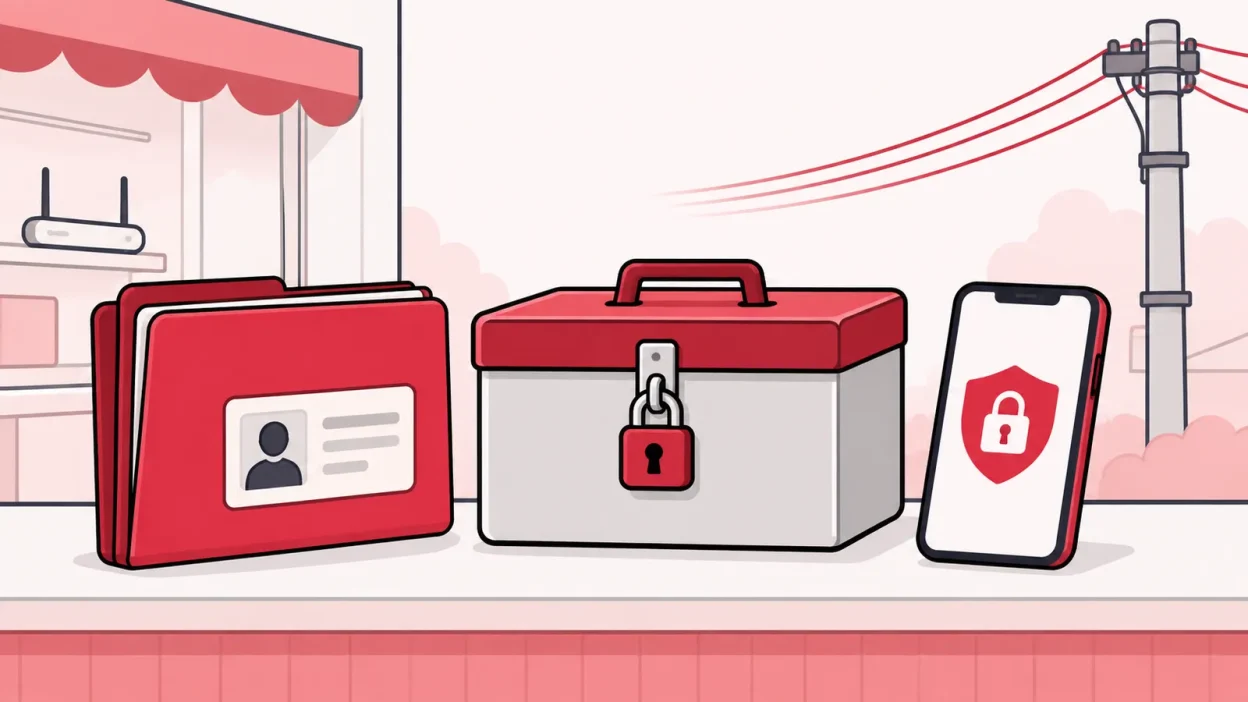
If you are asking how to store customer KYC documents safely, start by removing loose copies from drawers, phone galleries and WhatsApp chats. Keep one controlled record for each customer, give access only to people who need it, and review old documents instead of keeping every copy forever.
What you need before you start
You do not need a large office or a complicated security team. You need one clear process that your staff can follow at the shop counter.
Prepare these items:
- A list of every place where you currently keep ID or address proof: paper files, pen drives, computers, phone galleries, email, cloud folders and messaging apps.
- One approved storage location for active customer records. It should have individual logins, access control and a way to remove a staff member’s access.
- A simple naming rule, such as customer name, connection ID and document type. Do not put the full ID number in a filename.
- A small access list showing who can view, upload, correct or delete documents.
- A weekly review time. Ten minutes after the busiest shop hours is enough to begin.
Write the process on one page and keep it beside the shop computer. A new staff member should understand where a document goes without asking three different people.
Step 1: Find every existing copy
Why this matters: you cannot protect a document that you have forgotten about.
Actions:
- Search the shop computer for folders such as
KYC,customers,ID,Aadhaar,PAN,addressanddocuments. - Check staff phones and the business WhatsApp or email account for images sent by customers.
- Look through paper files, notebooks, loose photocopies and documents kept with router or ONU delivery notes.
- Make a private inventory with three columns: customer, document location and action needed.
- Mark each copy as active, duplicate, unclear or no longer needed. Do not delete a document just because it is old; first check the requirement of your ISP, contract, tax records and professional adviser.
Success looks like: every known copy has an owner and a next action. If the same ID proof is in four places, the inventory should show all four places.
Do not put the inventory in a public spreadsheet. It is itself a list of personal data. Keep it in the same controlled location as the records, with access limited to the operator or an authorised manager.
Step 2: Stop risky collection paths
Why this matters: safe storage starts before the file reaches your folder.
Actions:
- Tell customers where to submit documents. Use one approved upload or collection process instead of accepting images through every staff member’s personal phone.
- Ask staff not to forward ID proofs in groups or leave them in chat threads after the record is complete.
- If a customer sends a document to a personal phone by mistake, move it to the approved location, confirm that the copy opens correctly, and remove the chat copy and local gallery copy according to your written process.
- Do not use a shared email password. Give each staff member an individual login where the service supports it.
- Keep the shop computer locked when nobody is using it. Do not leave a customer’s ID open on the counter-facing screen.
Success looks like: a customer can ask any trained staff member where to submit KYC, and the answer is the same. Staff no longer use personal phones as an unofficial document cabinet.
Step 3: Keep one controlled customer record
Why this matters: scattered copies create confusion about which document is current and who can see it.
Actions:
- Create one record for each connection with the minimum details needed to identify it.
- Store the document with that customer record, not in a general folder that every staff member can browse.
- Use a consistent label such as
address-prooforidentity-proof. Avoid filenames containing the full Aadhaar, PAN or other ID number. - Keep a note of when the document was received and who checked it. Record facts only; do not write unnecessary personal comments.
- If the customer changes plan, partner or upstream ISP, update the existing record instead of creating a new folder full of copies.
Success looks like: the operator can find the active record from the connection or customer list, while a staff member sees only the screens needed for that person’s work.
For a broader view of one customer list, plans, payments and ISP accounts, read ISP Billing Software India: A Reseller’s Practical Guide. The same single-record habit helps with billing and KYC.
Step 4: Give each person only the access they need
Why this matters: a document should not be visible to every person who helps with recharge collection.
Actions:
- Name one person as the record owner. Usually this is the operator or a trusted manager.
- Separate tasks. A recharge counter user may need customer payment details but not the ability to download every ID proof.
- Give staff individual logins. Never share the operator’s password with a helper or partner.
- Review access when a staff member changes role or leaves. Remove access immediately rather than waiting for the monthly review.
- Check the activity history regularly. Note who uploaded, changed or viewed a record when your system provides that log.
- Keep partner and sub-partner access separate from the operator’s records. Give them only the customer and screens required for their assigned work.
Success looks like: you can answer three questions without guessing—who can see KYC, who can change it, and when their access was last checked.
ISP Square provides staff logins scoped to screens and logs every action. That gives a small shop a clearer way to separate recharge work from sensitive customer records.
Step 5: Protect the device and the account
Why this matters: a strong storage location is still exposed if the shop computer, phone or login is easy to take over.
Actions:
- Use a long, unique password for the operator account. Do not reuse the ISP password, email password or Wi-Fi password.
- Turn on multi-factor authentication wherever the service offers it.
- Keep the operating system, browser and security software updated. CERT-In’s Cyber Security Handbook recommends updates, strong passwords, multi-factor authentication, encryption for sensitive data and regular backups.
- Do not download customer documents to a public computer or an unapproved pen drive.
- Use a screen lock and do not allow browsers to save the operator password on a shared shop computer.
- If you keep a backup, protect it with encryption and restrict who can restore it. Test that the backup can actually be used; an unreadable backup is not a useful backup.
Success looks like: a lost phone or a staff member leaving the shop does not automatically reveal the operator login or the full document folder.
Step 6: Make a retention and disposal routine
Why this matters: keeping unnecessary copies increases the number of places where a document can be exposed.
Actions:
- Ask your ISP, CA or legal adviser what records you must keep and for how long. The correct period can depend on the service and the record, so do not invent a number from a blog post.
- Add a review date to each customer record or to a monthly review list.
- When a record is no longer needed, confirm that no open dispute, service requirement or other obligation requires it.
- Remove duplicate digital copies from downloads, desktop folders, personal phones, email attachments and chat threads.
- Shred paper copies. Do not put an intact ID photocopy in the normal waste bin.
- Record the date and person who completed the disposal. Record the document category, not the full ID number.
Success looks like: you can explain why an old document is still kept, or you can show that its unnecessary copies were removed through a repeatable process.
Step 7: Test the process with one customer record
Why this matters: a small test finds gaps before you move every file.
Actions:
- Choose one active customer record with permission to review the process internally.
- Upload or file the document using the new method.
- Ask a staff user to complete the work they normally do, then confirm that they cannot open screens outside their role.
- Check the record from the operator login. Confirm the document, received date and activity history are clear.
- Make a protected backup if your process requires one, then test a restore with a non-production copy.
- Write down one improvement and apply it before moving the next group of records.
Success looks like: the right person can find the right record, the wrong person cannot browse it, and you know how to correct or remove a copy.
If you are also bringing several upstream ISP accounts into one workflow, see One Broadband Partner Login: Run It With GTPL. Keeping the operator’s records in one controlled process is easier than repeating the same folder system for every ISP.
What the DPDP Act means for a small operator
The Digital Personal Data Protection Act, 2023 is India’s law for processing digital personal data. The official India Code text describes lawful processing and defines a data fiduciary as a person who decides the purpose and means of processing personal data.
For a broadband shop, use that as a reason to make your process clear: tell the customer what information you need and why, collect only what the ISP or service requires, protect it, keep a route for customer requests, and review records that are no longer needed. These are practical controls, not a complete legal checklist.
The Act and the Digital Personal Data Protection Rules, 2025 have staged commencement and detailed requirements. Do not assume that every provision starts on the same date or that a generic KYC checklist answers your situation. Check the current notification, your ISP’s instructions and your CA or lawyer before changing a legal or retention process.
Your customer notice should be easy to understand. A simple shop explanation can say that the document is being collected for broadband connection or account servicing, who will use it, and how the customer can ask about the record. Keep the final wording aligned with your ISP and professional advice.
KYC that stays with you in ISP Square
When you change or add an ISP, the KYC record should not become a fresh photocopy exercise for the same customer. In ISP Square, KYC is uploaded to the operator’s ISP Square account, not to the ISP, so the operator can keep the record if an upstream ISP changes.
The operator gets one customer list across connected ISP accounts, with connection, plan, expiry, payment and history details. The product also supports stock tracking, so the customer record and the installed ONU or router do not have to live in unrelated notebooks.
For an operator starting with one ISP, ISP Square Starter includes KYC and stock tracking. Plans start low—see the current pricing, because the live pricing pages may change. You can also review the site’s trust and security information and privacy policy before deciding how to organise your records.
FAQ
Is it safe to store customer ID proofs on a staff phone?
It is better to avoid using a personal phone as the shop’s document store. Move the file to the approved customer record, then remove the local gallery and chat copies under your written process.
Should a broadband operator keep every KYC photocopy forever?
No general blog rule can set the correct retention period for every operator. Ask your ISP and CA or lawyer what you must keep, review old records, and remove duplicate or unnecessary copies after checking for open service or legal requirements.
Can I send KYC documents on WhatsApp to my ISP?
Follow the submission method given by your ISP and avoid forwarding documents through personal chats or groups. If WhatsApp is officially required, restrict who can access the business account, move the record into controlled storage, and remove unnecessary chat copies.
How should a small shop limit staff access to KYC?
Give each person an individual login and the smallest screen access needed for their job. Keep KYC under the operator or authorised manager, review access when roles change, and check the activity history regularly.
Does ISP Square send my KYC directly to the ISP?
ISP Square stores KYC in the operator’s ISP Square account rather than the ISP account. This lets the operator keep the record when changing an ISP; confirm your own collection and retention process with the ISP and a professional adviser.
DONE store-customer-id-proof-safely words=2155